Discover how to track price on Amazon with our ultimate guide. Learn easy methods and powerful AI tools to catch every deal and analyze competitor pricing.
You have several great options for tracking Amazon prices, from using its built-in features to dedicated sites like CamelCamelCamel and powerful browser extensions like Keepa. For businesses that need to monitor competitors, AI-powered browser automation is the best way to gather and export pricing data at scale.
Why Manual Price Checks Are Costing You Money
If you've ever found yourself glued to your screen, constantly refreshing an Amazon page to catch a deal, you know the drill. But let's be honest—that approach is more than just a time-sink; it’s a losing game in a marketplace that runs 24/7.
The truth is, Amazon's prices are always changing, driven by sophisticated algorithms. This strategy, known as dynamic pricing, means an item's price can change multiple times in a single day. It's influenced by competitor prices, inventory levels, customer demand, and even the time you’re browsing. For shoppers, figuring out the right time to buy can feel like a total shot in the dark.
The Mind-Boggling Scale of Amazon's Price Changes
To really grasp this, consider the sheer scale. Amazon’s pricing engine is a beast, adjusting prices on millions of products up to 2.5 million times every single day. That's a daily price fluctuation on roughly 8% of its entire catalog! This constant motion is why automated tracking has shifted from a "nice-to-have" to a must-have for smart buying decisions.
For businesses, the stakes are even higher. Manually tracking your competitors is a recipe for falling behind. By the time you’ve clicked through a dozen product pages, your data is already old. This constant game of catch-up puts you at a huge disadvantage, eating into your sales and profit margins.
The bottom line is simple: you can't out-refresh an algorithm. Relying on manual checks means you're always reacting to yesterday's news instead of getting ahead of the curve.
Manual vs. Automated Amazon Price Tracking at a Glance
So, what's the real difference between hitting refresh all day and letting a tool do the work? Here’s a quick breakdown that makes it crystal clear.
Feature | Manual Tracking | Automated Tracking |
|---|---|---|
Effort Required | High - requires constant, active monitoring | Low - "set it and forget it" after initial setup |
Accuracy | Prone to human error and missed opportunities | Highly accurate and consistent, catching every price change |
Data History | None - you only see the price at that moment | Provides rich historical data, charts, and trend analysis |
Timeliness | Delayed - you only know a price changed when you look | Instant - real-time alerts via email, push, or other channels |
Scalability | Poor - impossible to track more than a few items | Excellent - easily monitor hundreds or thousands of products |
As you can see, automation isn't just about saving time—it's about gaining a strategic edge that manual methods simply can't provide.
Automated Tracking: The Modern Solution
The good news? You don’t have to play Amazon’s guessing game. Automated price tracking tools are the game-changer you need to level the playing field. These services work tirelessly in the background, monitoring prices around the clock and notifying you the second a price hits your target.
Here’s why switching to an automated system is a no-brainer:
Effortless Monitoring: Just set your target price once, and you're done. The tool takes over, sending alerts right to your inbox and freeing you from the refresh button.
Historical Data Insights: This is huge. You can look beyond the current price to see a product's entire pricing history. This helps you spot real discounts, identify seasonal trends, and avoid getting tricked by fake "sales."
A True Competitive Edge: For e-commerce sellers, automating online price tracking is essential. It delivers the competitive intelligence needed to fine-tune your own pricing, react instantly to market shifts, and boost your odds of winning the Buy Box.
By embracing automation, you stop being a passive shopper and become a strategic one. You stop leaving money on the table and start making confident, data-driven decisions.
Setting Up Your First Price Alerts in Minutes
Ready to snag those Amazon deals before they disappear? Let’s walk through the quickest ways to start tracking prices, beginning with a simple trick on Amazon's website before moving to a popular free tool.
No complex software, no steep learning curve. Just a few simple steps to smarter shopping.
Using Amazon's Built-In Features
You might be surprised to learn that Amazon has a subtle, built-in way to watch for price drops. It’s not a big, flashy "Track Price" button—it's hidden within your shopping cart.
Simply add an item to your cart, but instead of checking out, click "Save for later." That's it! By moving the item to your saved list, Amazon will automatically flag any price changes for you the next time you visit your cart.
It’s a surprisingly handy trick:
Zero Setup: You don't need to sign up for a new service or install anything.
Effortless Notifications: A simple alert will appear at the top of your cart page, letting you know if a saved item's price has changed.
Perfect for Casual Tracking: This is a great method for keeping an eye on just a couple of items.
While it's great for quick checks, it doesn't give you the full picture with historical data. For that, we need a specialist tool.
Your First Alert with CamelCamelCamel
When you're ready to get serious about tracking, it's time to use CamelCamelCamel. This free tool is legendary among savvy shoppers, providing incredible price history charts and email alerts.
Getting your first alert set up is easy:
Grab the Product URL: Head to Amazon and find the item you want to track. Copy its full URL from your browser's address bar.
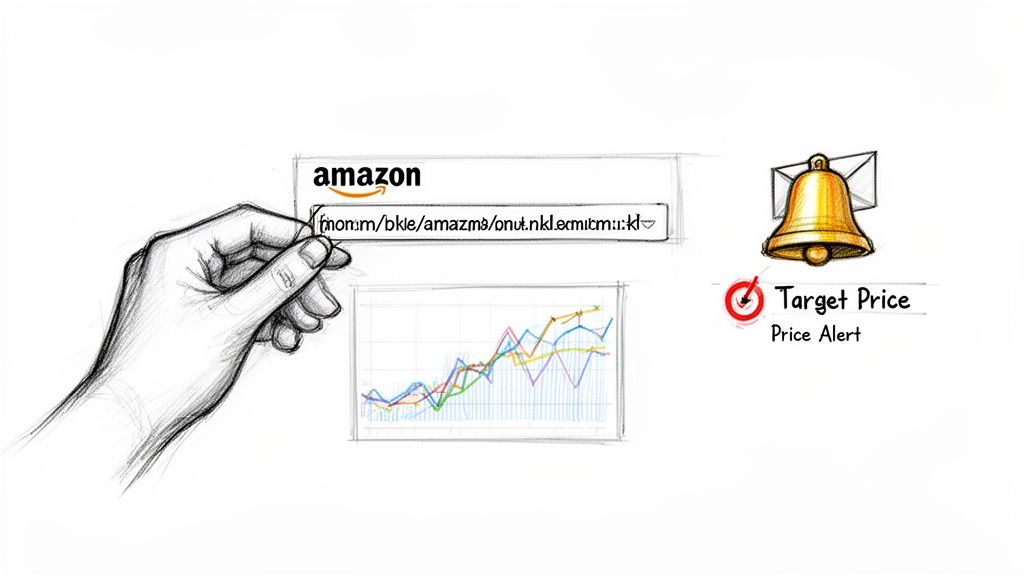
Paste and Go: Open the CamelCamelCamel website, paste the link into the search bar, and hit enter.
Instantly, you'll see a price history graph. This chart is your secret weapon, showing every price fluctuation over time—the highest, the lowest, and the average—so you know if today's price is a good deal.
The real power move is setting a price alert. You can tell the tool, "Email me when this camera drops below $500," and it becomes your 24/7 deal-hunting assistant.
CamelCamelCamel has been a trusted resource since 2008, tracking prices across eight global Amazon marketplaces. It can even import and monitor an entire Amazon wishlist automatically!
Making Sense of the Price History
The historical charts are where the magic happens. By analyzing the data, you can spot patterns. Does this brand have a sale at the end of every quarter? Did the price plummet during last year's Prime Day? This information transforms you from a regular shopper into a strategic one.
Once you’ve set a few alerts, you might get curious how businesses scale this process. You can explore prebuilt templates for scraping Amazon listings to see how pros pull this data in bulk.
Get Deeper Insights with Browser Extensions
Price alert websites are great, but what if you need real-time data without leaving the product page? For anyone who needs instant insights—from savvy shoppers to competitive sellers—browser extensions are a total game-changer. They transform a standard Amazon page into a powerful data dashboard.
These tools do more than just show you the current price; they reveal the entire story behind it by overlaying rich, interactive charts directly onto the product listing.
Go Beyond Simple Alerts with Keepa
One of the best extensions is Keepa. It embeds a detailed graph right below the product images on any Amazon page. This isn't just a basic chart; it’s a comprehensive historical timeline of a product's entire pricing journey.
The best part is the immediacy. You don't have to copy and paste URLs into another website. The data is right there, helping you answer critical questions on the spot:
Is that "sale" price really a good deal, or was it cheaper last month?
Does this product's price tend to drop around certain holidays?
How does the price from third-party sellers compare to the "Sold by Amazon" price?
With this information at your fingertips, you can instantly spot fake discounts and understand a product's true market value.
Decoding the Price History Chart
An extension like Keepa turns raw numbers into actionable intelligence. Trusted by over 4 million Chrome users, Keepa embeds price history charts on product pages, updating as often as every 15 minutes across 11 global marketplaces.
Having tracked over 5 billion Amazon products, they provide an invaluable historical edge. For instance, sellers use this data to spot recurring patterns, like the predictable month-end price drops some rivals use to hit sales quotas. You can find more of these tracking insights at Taskmonkey.ai.
A typical chart will show you several data layers:
Amazon's Price: The official price when an item is sold by Amazon.
New Third-Party Price: The lowest price from a third-party seller for a new item.
Used Third-Party Price: The lowest price for a used version of the product.
Sales Rank: This shows how well the product is selling. A lower number is better, and a sudden drop in sales rank often points to a promotion.
By layering this data, you start to see the relationship between price, demand, and seller behavior.
For example, you might notice that every time Amazon runs out of stock, third-party sellers immediately raise their prices to capitalize on the demand. This is the kind of insight that helps you anticipate market moves.
Spotting Real-World Patterns
Let's walk through a real-world scenario. You're eyeing popular noise-canceling headphones, and with Prime Day approaching, you see a flashy 30% off banner. A casual shopper might jump on it. But you, armed with a price history extension, see the whole story.
The chart reveals that the seller inflated the price by 20% two weeks before the sale. That "deal" is actually only a 10% discount from its normal price. Even better, the data shows the price was significantly lower three months ago.
Armed with this knowledge, you can confidently decide to wait for a better opportunity. This is the advantage that turns reactive shopping into a proactive, data-driven strategy. If you're curious about how extensions can automate this data gathering, check out our guide on data scraping Chrome extensions.
Automating Price Intelligence with AI Workflows
For any serious e-commerce business, tracking a few products is just the beginning. To truly compete, you need to monitor entire product categories and keep a constant pulse on your rivals. This is where smart automation turns a manual chore into a powerful engine for market intelligence.
Imagine pulling comprehensive data across hundreds of listings with a single click. This is about building a robust, automated system that feeds directly into your competitive strategy.
Scaling Up Your Market Intelligence
Manual tracking falls apart when you need to monitor an entire market. For e-commerce brands, checking all this data by hand is a waste of time. AI-powered browser extensions are a game-changer, letting you scrape Amazon data in one click and organize it into clean CSVs ready for export.
An effective automated workflow helps you answer the big questions:
What's my competitor's average price for this category?
Who is the top seller for that high-demand product?
Which products have the best ratings and are gaining momentum?
How do stock levels look across different sellers?
Trying to find these answers manually is nearly impossible. With the right AI workflow, it's easy.
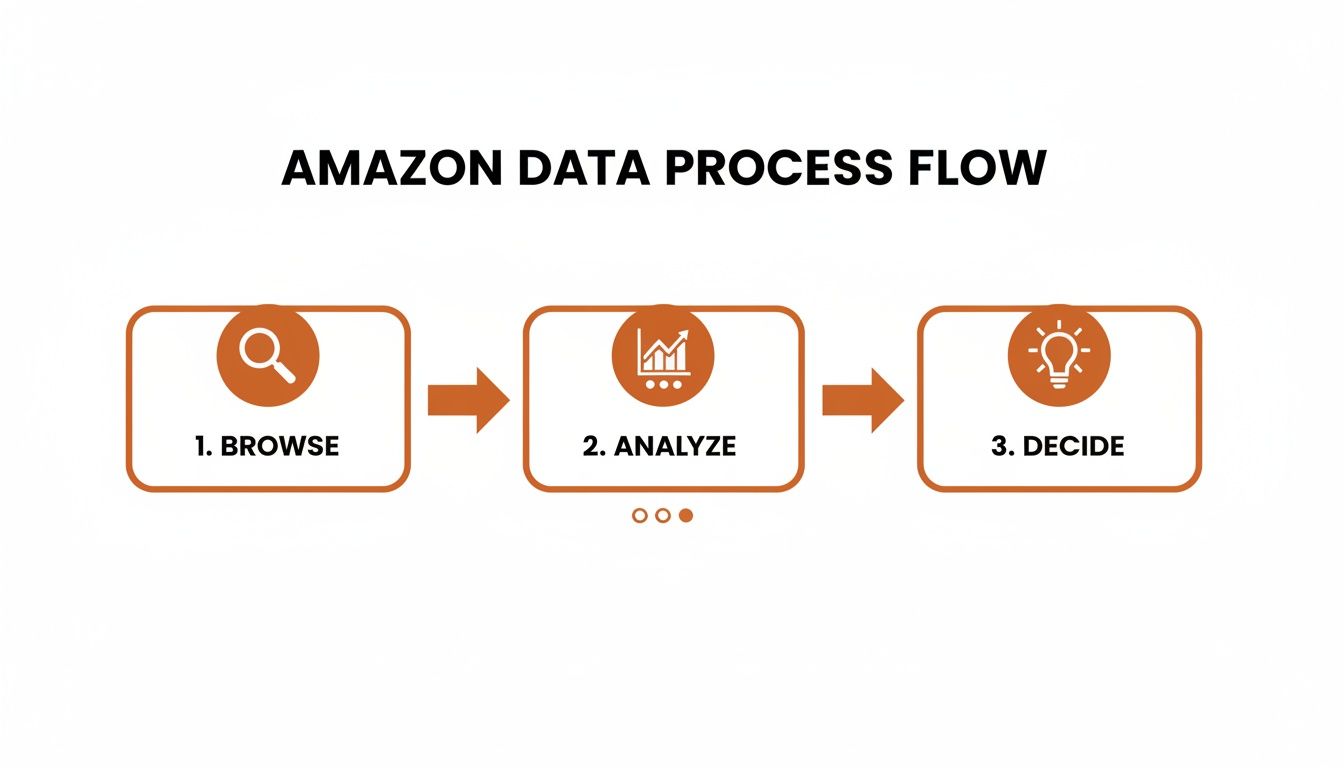
The path from browsing to analysis to a final decision is much cleaner when you let automation handle the heavy lifting.
A One-Click Workflow for Competitive Data
So, how does this work in practice? Let's walk through a practical workflow. Using a tool like the Clura Chrome extension, you can transform any Amazon search results page into a structured dataset in seconds.
Here’s how you can grab critical competitive data with just one click:
Go to an Amazon page. Start by searching for a product category you want to monitor, like "ergonomic office chairs."
Launch the AI agent. Once the results load, open the extension and pick a pre-built template designed for Amazon product listings.
Run the workflow. Just hit the "Run" button. The AI agent instantly scans the page, pulling key data from every listing.
Export your data. In moments, the tool serves up a clean, organized table. You can then export the whole dataset as a CSV file.
This process eliminates hours of manual work, giving your team immediate, actionable data. For those interested in building their own advanced tracking tools, a good Python web scraping tutorial can be a fantastic resource.
From Raw Data to a Winning Strategy
Once you have that CSV, you have a goldmine of competitive intelligence. The data you captured can include:
Product Title
Current Price
Seller Information
Customer Rating (e.g., 4.5 stars)
Number of Reviews
Stock Status (e.g., "In Stock")
Product URL
This structured data is the foundation of a smarter pricing strategy. You can sort by price to spot gaps in the market, filter by ratings to see top performers, and track your main competitors' moves.
By running this workflow weekly, you build a historical dataset that reveals pricing trends, uncovers emerging competitors, and helps you make proactive decisions. You’re turning market noise into a clear signal that drives your business forward.
Pro Tips for Smarter Amazon Price Monitoring
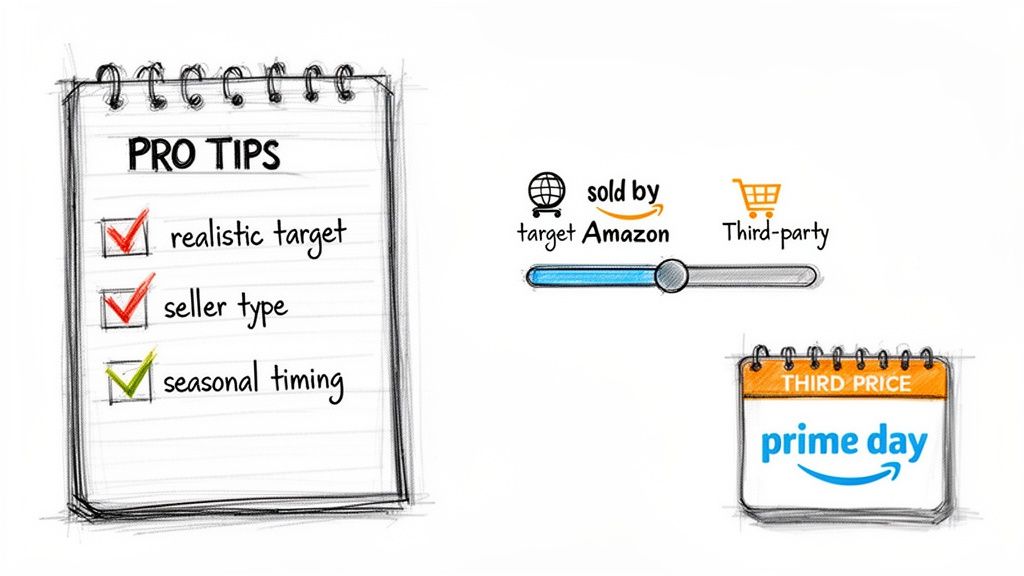
Having the right tools is half the battle, but using them strategically makes all the difference. You need to think like a seasoned pro to turn that data into real savings and smart business moves.
Let's get into the strategies that separate casual trackers from power users.
Set Realistic Price Drop Targets
It’s easy to get buried in pointless notifications. If you set an alert for a tiny 1% price drop, your inbox will explode, and you'll start ignoring the alerts.
Instead, let history be your guide. Pull up the price chart in your tracking tool and find the product's lowest point over the last six months. A great starting point is to set your alert for a price that’s 5-10% above that all-time low. That way, you’re only notified when a truly significant drop happens.
Know Who You're Buying From
On Amazon, not all prices are created equal. You have to know the difference between items "Sold by Amazon" and those from third-party sellers. Your tracking tool should let you filter by this.
Sold by Amazon: These prices tend to be more stable. When they do drop, it’s often a legitimate, site-wide sale.
Third-Party Sellers: This is where prices can swing dramatically as sellers battle for the Buy Box. You can find flash sales and quick bargains here, but you have to be fast.
Understanding the seller provides crucial context. A price drop from Amazon could signal a major promotion, while a third-party seller slashing prices might just be clearing out inventory.
For businesses, proactive tracking is essential. A single competitor's price drop can crush your sales velocity by as much as 300% in 24 hours. Brands that automate their tracking catch 95% of these critical price shifts before they impact revenue.
Look Beyond the Price Tag—Track Their Stock
For anyone selling on Amazon, price is only half the picture. A competitor's low price is less scary if they only have 10 units in stock versus 1,000.
Tracking inventory levels gives you an incredible advantage. If you see a major competitor is about to sell out, you can hold your price firm and scoop up their customers without offering a discount. For serious operations, this often involves using dedicated tools like price monitoring proxies to gather this intelligence.
Get Ahead of the Sales Calendar
Amazon's retail year has a rhythm. The smartest shoppers and sellers use it to their advantage, focusing on big events like Prime Day, Black Friday, and Cyber Monday.
Don't just wait for the event to start. Look at a product's price history from last year's sale to see how deep the discounts are likely to go. This helps you know whether an "early bird" deal is a real bargain or if you should hold out. A little foresight can turn a good deal into an absolute steal.
Answering Your Amazon Price Tracking Questions
Let's dive into some of the most common questions about tracking Amazon prices. Here are quick, no-nonsense answers to help you get the most out of these tools.
Can I Track Prices on International Amazon Sites?
Yes! Modern price trackers are built for a global audience. The big players like Keepa and CamelCamelCamel cover all major Amazon marketplaces—the US, UK, Germany, Japan, Canada, and more. You can usually just pick your country from a dropdown menu.
For more serious operations, a dedicated AI scraping tool is your best friend. You can point it at amazon.co.uk, amazon.de, or any other regional site, and it will pull the same data, making it easy to track international competitors.
How Often Should I Check for Amazon Price Changes?
This depends on why you're tracking.
If you're just trying to get a deal on a new TV, there's no need to obsessively refresh the page. That's what price alerts are for! Set your target price and let the service email you when it drops.
For e-commerce sellers, it's a different story. In competitive categories, prices can change multiple times a day. For your most important products, you'll probably want to check several times daily to stay competitive. For less competitive items, once a day might be enough. Automation shines here—you can schedule checks as often as you need.
Are Amazon Price Tracking Tools Legal and Safe?
Absolutely. Using a price tracker is 100% legal and safe, as long as you stick to reputable tools. They automate the process of looking at public information—the same price data anyone can see on an Amazon product page.
Browser extensions from official sources like the Chrome Web Store are vetted for security. Similarly, trusted AI data-gathering tools are designed to operate ethically and respect Amazon's terms of service.
The key takeaway: Always download tools from their official websites or app stores. Be wary of any tool that asks for your Amazon password. Reputable trackers and scrapers simply don't need it.
What Is the Best Free Amazon Price Tracker?
For the average shopper, my go-to recommendation is CamelCamelCamel. It's the king of free trackers for a reason. It's reliable and offers fantastic price history charts and email alerts without costing a dime.
If you want something that lives in your browser, the free version of Keepa is another stellar choice. And if you're a business owner curious about automation, many AI tools offer free starter plans that let you track a few products and export the data. It's a great way to see what professional-grade tracking can do.
Ready to stop guessing and start making data-driven decisions? With Clura, you can automate your Amazon price tracking in a single click, turning complex market data into a clear competitive advantage. Explore prebuilt templates and see how easy it is to scale your intelligence at https://www.clura.ai.
