
Discover how to track Amazon prices with the best tools and automated workflows. Get real-time alerts and find the best deals effortlessly.

Tired of hitting refresh on an Amazon product page, hoping for a price drop? We’ve all been there. Prices on Amazon change constantly, making it impossible to keep up manually. The secret to tracking Amazon prices effectively isn't about luck; it's about using the right tools. Smart technology, from simple browser extensions to powerful AI scrapers, can monitor prices for you and alert you the moment a deal strikes.
Why Manually Checking Amazon Prices Is a Losing Game

You’ve seen it happen. An item sits in your cart at $99, then suddenly jumps to $115. A few hours later, it drops to $85 during a flash sale you missed. This isn't random—it's a deliberate strategy called dynamic pricing.
Amazon's algorithms work around the clock, adjusting millions of prices daily based on countless factors. This creates a massive challenge, not just for shoppers looking for a fair price, but for e-commerce sellers trying to stay competitive.
The Dynamic Pricing Dilemma
What drives these price shifts? Everything. The system analyzes competitor pricing, stock levels, customer demand, the time of day, and even the weather. While this boosts Amazon's profits, it's a huge headache for everyone else. Trying to keep up manually is more than just a waste of time—it's impossible.
This is where automated price tracking tools save the day. They transform a frustrating, time-consuming task into a powerful strategic advantage. And the best part? They're more accessible than ever. Brands using automated price trackers catch up to 95% of major price changes, protecting their revenue and staying ahead.
There's a Smarter Way to Track Prices
Instead of wearing out your F5 key, let smart tools do the work. We’ll walk you through the best methods for tracking Amazon prices, from simple set-and-forget tools to advanced, professional-grade workflows.
Here’s a quick look at the main methods to help you choose the right one.
Price Tracking Methods at a Glance
Method | Best For | Key Benefit | Common Use Case |
|---|---|---|---|
Browser Extensions | Casual shoppers & bargain hunters | Simplicity and convenience | Setting a one-off alert for a new TV or laptop you've been eyeing. |
Price Tracking Websites | Data-driven shoppers & analysts | Historical price data and trend analysis | Checking if the "sale" price on a product is actually a good deal by looking at its price history. |
AI-Powered Automation | E-commerce sellers & growth teams | Scalability and real-time data | Monitoring hundreds of competitor products to adjust your own pricing strategy on the fly. |
Each method offers unique benefits, and the best choice depends on your goals.
The real win is moving from reactive price checking to proactive price monitoring. It’s about getting the data you need to make smarter, faster decisions, whether you're saving money on a personal purchase or outsmarting a competitor.
Ready to get started? This guide provides actionable steps for each method, so you can stop guessing and start tracking prices like an expert. If you're interested in the power of automation, our guide on online price tracking offers even more detail.
Start Tracking Prices in Minutes with Simple Tools
Ready to stop guessing and start making smarter purchases on Amazon? You don't need complex, expensive software to begin. You can be up and running in the next five minutes with some incredibly powerful—and free—tools. These are perfect for anyone who wants to monitor a few key products without getting lost in technical details.
Amazon’s own features, like the "Save for Later" list or Wish Lists, are the most basic way to flag an item. The platform will sometimes notify you if the price changes. But these notifications are often inconsistent and lack historical context. You'll know the price changed, but you won't know if it's a genuinely good deal.
Go Beyond Amazon's Basic Features
For a much clearer picture, you need browser extensions. These are small add-ons for your browser that embed powerful price-tracking features directly onto Amazon’s product pages. The two most trusted names in this space are Keepa and CamelCamelCamel.
These tools have become essential for any serious saver. Their free versions chart the price history for millions of products and send you alerts when a price drops. This is your best defense against Amazon's constant price fluctuations. For a deeper comparison, Metricscart offers a great breakdown of the top options.
Installation is a breeze. Just visit their website, click "add to browser," and you're set. The next time you visit an Amazon product page, a detailed price history chart will appear right below the product images.
Pro Tip: Don't just look at today's price. The historical charts are where the gold is. Use them to spot patterns. Do those headphones always go on sale in October? Does that air fryer get a price cut every other month? This context is what separates a regular purchase from a smart one.
How to Read a Price History Chart
At first glance, these charts might look technical, but they're simple to read. They show you how a product's price has changed over weeks, months, or even years.
Let's say you're eyeing a pair of Sony WH-1000XM5 headphones. The chart will display a line graph telling that product's price story.
The "Amazon" line shows the price when sold and shipped by Amazon.
The "New" line tracks the price from all third-party sellers.
The "Used" line shows prices for used or refurbished versions.
This single chart tells you everything. You can instantly see the highest price, the lowest price, and the average price over the last year. This is the crucial information you need to decide if today's price is a steal or a rip-off. Understanding Amazon price history data is the foundation of any good tracking strategy, as it reveals market trends and competitor activity.
Setting Up Your First Price Alert
Viewing the price history is great, but the real power lies in the alerts. Both Keepa and CamelCamelCamel let you set up notifications so you can stop checking the page every day.
Here’s how to set one up:
Find the "Track Product" section within the extension on the product page.
Enter your desired price. If the headphones are currently $350, you can set an alert for when they drop to $300 or less.
Choose how you want to be notified. You can get an email, a browser notification, or even a message on Telegram.
Once you hit save, the tool takes over. The moment the price hits your target, you'll get a notification. This "set it and forget it" approach is perfect for tracking items for holidays, birthdays, or big sale events like Prime Day.
Take Your Amazon Price Tracking to the Next Level with Automation
Browser extensions are great for watching a few items. But what if you're a seller or analyst who needs to track hundreds of products every day? Manually setting alerts at that scale is impractical.
When you hit this limit, it's time to graduate to a fully automated workflow. We're talking about a system that collects clean, structured data for you on a schedule.
This is where AI-powered browser automation tools are a total game-changer. Forget basic notifications. These tools act like a personal data assistant, visiting product pages, extracting the exact information you need, and organizing it into a neat spreadsheet—all without writing a single line of code.
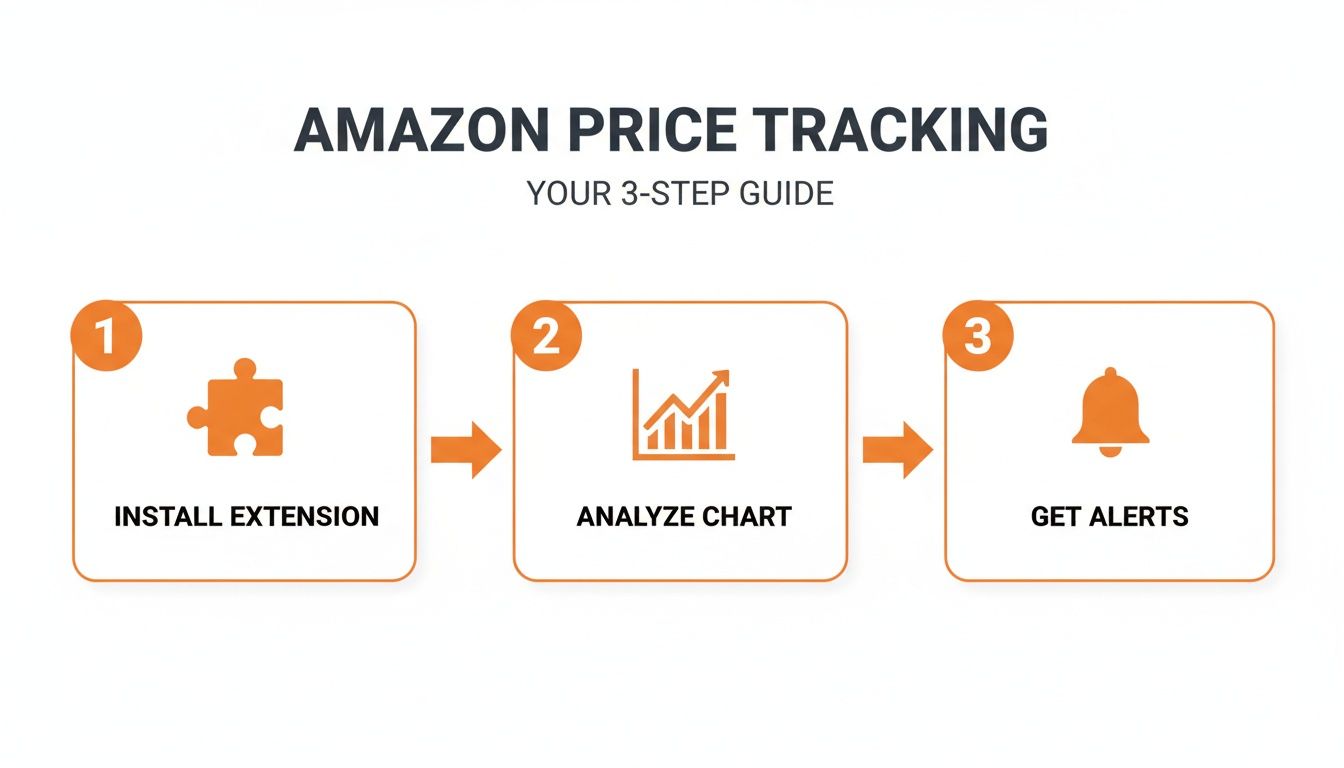
As you can see, the process is straightforward: install the tool, let it analyze the data, and get the alerts you need. It makes sophisticated tracking accessible to everyone.
Launching Your First Automated Scraper
Modern no-code tools like Clura come with pre-built templates for major sites like Amazon. This means you don't have to teach the tool where to find the price or seller name—it already knows. You can get a powerful Amazon scraper running in seconds.
Getting started is as simple as selecting the Amazon template and clicking "Launch." The tool handles the heavy lifting, so you can focus on using the data, not collecting it. This removes the technical barrier that once limited web scraping to developers.
Telling the Tool Exactly What to Grab
Once your template is live, you're in control. You decide exactly what information to collect. Think of it as creating a custom data shopping list. You can pull a wide range of valuable details to get the full picture.
Here are a few data points you can instantly collect:
Product Title: The full, official name of the item.
Current Price: The real-time price, including any sales.
List Price: The original MSRP, so you can calculate discounts.
Seller Name: Is it sold by Amazon or a third-party seller?
Stock Status: Crucial info like "In Stock" or "Currently unavailable."
Average Star Rating: The product's overall review score.
Total Number of Reviews: The social proof behind the rating.
Product ASIN: Amazon's unique product identifier.
This level of detail is a game-changer. For anyone managing a product catalog or performing deep competitor analysis, having this information structured and ready is incredibly powerful. You can learn more about building a robust data system in our guide on creating an Amazon price scraper.
With an automated workflow, you're not just tracking a single price. You're building a rich dataset that reveals competitor strategies, stock availability, and customer sentiment over time. This transforms raw numbers into actionable business intelligence.
Running the Agent and Getting Your Data
After selecting your data points, all that's left is to run the agent. You can start with a single Amazon product URL, but the real power comes from providing a list of URLs to track multiple products at once. With a single click, the AI agent visits each page and extracts the information you requested.
The process is incredibly fast. In just a few moments, the tool delivers a clean, structured table of your collected data.
Here’s a sample of what the output looks like:
Product Title | Current Price | Seller Name | Stock Status |
|---|---|---|---|
Sony WH-1000XM5 Headphones | $328.00 | Sold by Amazon | In Stock |
Instant Pot Duo 7-in-1 | $79.00 | Sold by Amazon | In Stock |
Anker PowerCore 10000 | $21.99 | Sold by AnkerDirect | In Stock |
This isn't just a static table; it's a dynamic dataset ready for analysis. You can export everything to a CSV file with one click, ready to be imported into Google Sheets, Excel, or your preferred analysis tool. This simple, repeatable process turns a tedious task into an efficient machine that delivers exactly what you need.
Build a Powerful Competitor Monitoring System
For anyone selling on Amazon, knowing how to track Amazon prices is more than just finding a bargain. It's the foundation of a competitive intelligence system that keeps you ahead of the curve. Manually checking competitor pages is a surefire way to burn out. An automated workflow, however, turns this massive task into your greatest strategic advantage.
Imagine setting up an AI agent to monitor a list of your rivals' products constantly. You’re not just collecting numbers; you’re building a powerful tool. This is about understanding the entire market—who’s winning the Buy Box, who’s running low on stock, and when the next price war might begin.
Schedule Your Agent for Daily Intelligence
The real power of automation lies in its consistency. You can schedule your agent to run at the same time every day, providing a reliable stream of fresh data. This is essential in a dynamic marketplace like Amazon, where a competitor’s price can change in hours.
Here’s how to set up a daily rhythm:
Build Your Watchlist: Compile a list of the competitor ASINs (Amazon Standard Identification Numbers) you need to monitor.
Set the Schedule: Choose a daily run time. Early morning is often best, as you can catch overnight changes before the day begins.
Let It Run: The agent will visit each product page at your scheduled time, collecting every data point you've defined.
This daily snapshot quickly builds a rich historical dataset, allowing you to spot long-term trends your competitors would rather you didn't see.
From Raw Data to Actionable Insights
Once the agent finishes, the data is delivered in a clean CSV file, ready for you to analyze in Google Sheets or Excel. This is where you connect the dots. With a few simple spreadsheet formulas, you can uncover hidden trends.
By effectively tracking Amazon prices, you can implement strategies to increase Amazon sales and stay ahead of the competition. This isn't just data collection; it's the foundation for a smarter, more responsive e-commerce strategy.
For example, a pivot table can show a rival's average price over the last 30 days, while a line chart can pinpoint exactly when they launch a sale. The goal is to move beyond seeing a price and start understanding the story behind it.
Identify and React to Key Market Signals
With this system, you've built your own market radar that alerts you to critical movements. By setting up custom notifications for specific triggers, you can turn a simple spreadsheet into a proactive alert system that works for you 24/7.
This agility is a game-changer on Amazon. We’ve seen firsthand how structured data can lead to 25% efficiency gains for brands. It's especially crucial when operating expenses can consume as much as 88.2% of revenue, making every pricing decision a high-stakes move to protect your margins.
Here are a few essential alerts to set up:
Price Drop Alerts: Get an email the moment a competitor's price falls below your threshold. This is your early warning for a potential price war.
Stockout Alerts: Receive a notification when a competitor runs out of stock. This is a golden opportunity to increase your ad spend and capture their customers.
Buy Box Monitoring: Track who owns the Buy Box for your most important products. If it changes hands, you know a competitor just made a strategic move.
New Seller Alerts: If a new third-party seller appears on a listing with a very low price, you’ll be the first to know.
These automated alerts let you make smart, data-backed decisions in near real-time, defending your sales and market share.
Essential Data Points for Competitor Analysis
To get the full picture, you need to scrape more than just the price. While price is the star, other data points provide the context you need for winning decisions.
Here's a breakdown of key data points to scrape from Amazon for effective competitor monitoring and the strategic insights each provides.
Data Point | Example CSS Selector | Strategic Insight |
|---|---|---|
Current Price |
| The most critical metric for direct price comparison and identifying competitor repricing strategies. |
Seller Name |
| Determines if you're competing against Amazon itself or a third-party seller, which impacts strategy. |
Stock Status |
| Reveals inventory levels. "Only 5 left in stock" is a signal that you may soon face less competition. |
Shipping Info |
| Highlights whether a competitor offers Prime shipping, a key factor in winning the Buy Box. |
Buy Box Winner |
| Identifies who currently owns the coveted Buy Box, showing who has the most competitive offer. |
By tracking these elements together, you get a complete view of the competitive landscape. This system elevates you from a reactive seller to a proactive strategist armed with the intelligence needed to succeed on Amazon.
Tackling the Tricky Parts of Price Tracking
Even with the best tools, tracking Amazon's data can have its challenges. You might encounter a few quirks that can affect your results. But don't worry—these are common hurdles, and you can navigate them with a little know-how.
Amazon guards its data closely, so respecting their Terms of Service is non-negotiable. Using a responsible, well-designed automation tool that interacts with websites respectfully is the best way to stay on the right side of the rules. This helps you get the data you need without raising red flags. You can learn more in our guide on the legality of web scraping.
Handling Rate Limits and IP Blocks
Have you ever refreshed a page too many times and received an error message? That’s rate limiting. If you send too many requests to Amazon's servers too quickly, they might temporarily block your access to prevent their site from slowing down. It's their system's way of saying, "Slow down!"
Smart scheduling is your best friend here. Instead of trying to scrape 500 products all at once, you can configure your automation tool to run in smaller batches or at a slower, more human-like pace.
Here are a few tips to stay under the radar:
Run During Off-Peak Hours: Schedule your data collection jobs late at night when website traffic is lower.
Space Out Your Requests: If you have a large product list, break it into smaller groups and run them an hour apart.
Use a Smart Tool: The best tools automatically manage request speeds to mimic natural browsing, which significantly reduces the risk of being blocked.
These simple adjustments lead to more reliable and less disruptive data collection.
Managing Product Variations
Product variations are a classic challenge. You find the perfect sneakers to track, but they come in ten colors and fifteen sizes. Each of these variations often has its own ASIN and its own price.
If you're not careful, you could end up tracking the price for a size 7 in neon green when you really needed to monitor the size 10 in classic black. This can skew your competitor analysis or trigger irrelevant price alerts.
The secret is to be specific. Always use the direct URL for the exact size, color, and configuration you want to monitor. Before you run your scraper, double-check that the ASIN in your list corresponds to the precise variation that matters.
This small step ensures you collect accurate, relevant data and avoid costly mistakes based on mismatched information.
Cleaning Up Your Scraped Data
Finally, let's talk about the data itself. It rarely comes out perfectly clean. You'll likely find small inconsistencies that need a quick cleanup before you can start your analysis. This is a normal part of any data workflow.
For example, you might encounter:
Currency Symbols: The price might appear as "$19.99" instead of just "19.99," which can interfere with calculations.
Extra Text: The stock status might read "Only 5 left in stock - order soon" when all you need is the number "5" or "In Stock."
Formatting Issues: One seller's name might be "BrandName," while another is "Sold by BrandName."
Fortunately, a few simple functions in Google Sheets or Excel can solve this. Formulas like TRIM to remove extra spaces or SUBSTITUTE to get rid of dollar signs can standardize your entire dataset in seconds. Spending a few minutes on data hygiene ensures your analysis is built on a solid foundation.
Your Amazon Price Tracking Questions, Answered
Jumping into Amazon price tracking can feel overwhelming at first. As you move beyond simple deal-hunting and start building a real monitoring strategy, questions are bound to come up.
Let's tackle some of the most common questions to clear up any confusion and help you track prices like a pro.
How Often Should I Check Prices?
The answer depends on your goal.
For Personal Shopping: If you’re just trying to get a good deal on a new TV, checking once a day is plenty. A simple browser extension will do the job. High-ticket items don't usually fluctuate by the minute.
For E-commerce Sellers: This is a different story. Daily tracking is the absolute minimum. For highly competitive products or during peak seasons, you should check prices multiple times a day. You need to know the moment a competitor adjusts their price or a flash sale begins.
Is Scraping Amazon for Prices Legal?
This is a common and important question. The short answer is yes, scraping publicly available information like product prices is generally legal. However, you must do it responsibly.
The key is to be a good internet citizen. Don't overwhelm Amazon's servers with too many requests at once. A well-built automation tool is designed to behave like a human, sending requests at a reasonable pace. This keeps you in the clear and ensures you can get the data you need without causing issues.
Can I Track Prices on Amazon's International Sites?
Absolutely! A solid tracking tool can handle different Amazon domains, from Amazon.co.uk in the UK to Amazon.de in Germany.
All you need is the specific product URL for the country you want to monitor. This is a game-changer for international sellers trying to maintain price parity or for analysts who need a pulse on global market dynamics.
Pro Tip: Never assume prices are the same across regions. They can vary wildly based on local demand, taxes, and competition. Tracking each market separately is the only way to get a true global snapshot.
What's the Best Way to Organize All This Data?
Once your automated system is running, you'll have a lot of data. A raw data dump isn't useful; you need a system. The easiest method is to export everything to a CSV and open it in Google Sheets or Excel.
Here's a simple workflow to follow:
Create a "Master Sheet" for each product or category you're tracking.
Always include a timestamp for every data point you collect. This is non-negotiable for tracking changes over time.
Use filters and pivot tables. They let you instantly spot the lowest price in a given week, identify stockouts, or see which seller is most aggressive on pricing.
With a bit of organization, that mountain of data becomes your most powerful strategic asset.
Ready to stop guessing and start tracking prices with precision? Clura provides pre-built templates to automate your Amazon data collection in a single click. Explore prebuilt templates and build your own powerful monitoring system today at https://www.clura.ai.
