
Unlock powerful sales and recruiting insights. Learn how to scrape data from LinkedIn safely and effectively using modern tools designed for business users.
Ever wondered how to pull valuable data like names, job titles, and company details from LinkedIn and organize it all into a clean spreadsheet? The process is called data scraping. While there are a few ways to do it, the easiest and safest method by far is using an AI-powered browser scraper.
This guide will show you exactly how to do it, step by step, without writing a single line of code.
Why Your Team Needs LinkedIn Data
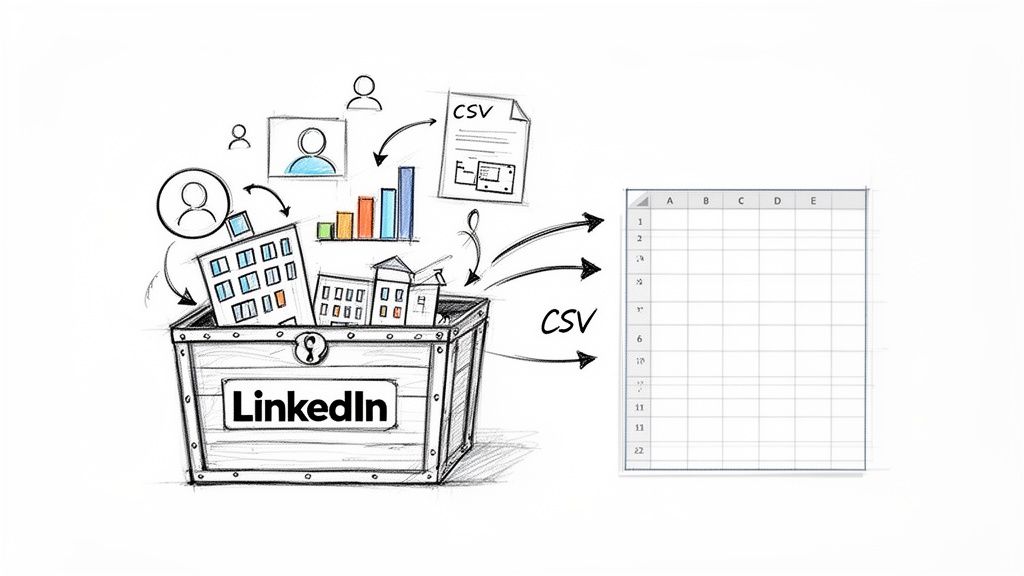
Let's be real: LinkedIn is a goldmine of professional data. But for sales, marketing, and recruiting teams, there’s a huge problem—all that information is stuck on the screen. Trying to manually copy and paste profile details to build a prospect list or track competitors is painfully slow and simply doesn't scale.
This manual grind is a massive bottleneck. It forces your team to waste hours on mind-numbing data entry instead of what they should be doing: connecting with leads, finding insights, or sourcing top candidates.
There's a Smarter Way to Get LinkedIn Data
Fortunately, you don't have to rely on manual data entry anymore. Modern AI-powered browser tools, like Clura, have completely changed the game. Forget about writing complicated code or needing a developer. These tools act like a personal data assistant, automatically extracting clean, structured information from any LinkedIn page.
With just a few clicks, your team can:
Build targeted lead lists with names, titles, and company info.
Enrich existing contact profiles with up-to-date professional data.
Monitor market trends by tracking hiring updates and industry news.
Source top-tier talent by pulling data from specific searches or groups.
The real win isn't just getting the data. It's about turning scattered information into an organized, actionable asset that drives your business forward.
How Structured Data Gives You an Edge
Transforming messy web pages into a clean spreadsheet is where the magic happens. With structured data, you can import leads directly into your CRM, analyze competitor moves, and launch powerful outreach campaigns without the manual headache. Of course, once you have that contact info, it's crucial to verify email addresses effectively to protect your sender reputation.
This guide provides a clear roadmap for scraping data from LinkedIn safely and efficiently. We’ll walk through how to use simple, no-code tools to get results in minutes. Let's dive in.
Top Reasons to Scrape LinkedIn Data
So, why is pulling data from LinkedIn such a big deal? It’s not just a clever tech trick. It’s about fundamentally changing how your business finds opportunities and gets ahead.
Scraping turns LinkedIn’s vast, chaotic library of professional information into your own personal, perfectly organized database. It transforms a platform you have to manually search into a real-time stream of intelligence that can supercharge your sales, marketing, and recruiting efforts.
Imagine your sales team getting fresh, targeted prospect lists every morning. Or your marketing team having an inside look at competitor moves without spending hours digging for it. That’s what happens when you turn LinkedIn data into something you can actually use.
Fuel Your Sales and Marketing Engine
For anyone in sales or marketing, scraping LinkedIn is a game-changer. It automates the entire discovery process, freeing your team to focus on what they do best—building relationships and closing deals.
You can instantly create highly specific lists based on key criteria:
Job Titles: Go straight to the decision-makers you need to reach.
Industries: Zero in on the sectors that are your sweet spot.
Company Size: Craft the perfect pitch for a small startup or a global enterprise.
Geographic Location: Pinpoint prospects in a specific city, state, or country.
The magic here is the quality of the data. Automated scraping gets you the latest information, ensuring your outreach is always relevant and timely.
The global web scraping software market was valued at around $489 million in 2023 and is growing fast, largely because businesses need better sales and recruitment intelligence. Companies using these tools report boosting their lead discovery and candidate sourcing efficiency by up to 50%. You can dig deeper into these market trends and their impact to see where things are headed.
Gain a Powerful Recruiting Advantage
Recruiting is tough. It’s a constant battle to find and attract top talent. Scraping LinkedIn data gives you a serious advantage by allowing you to proactively build a pipeline of dream candidates before you even have a job opening.
By pulling data from LinkedIn, you can spot trends in high-demand skills, see where the best talent is moving, and identify "passive candidates" who would be a perfect fit. This isn't just about filling roles faster; it's about building a data-driven talent engine that consistently brings the best people to your team.
How to Scrape LinkedIn with an AI Scraper
Tired of hearing that you need to be a developer to get data from LinkedIn? Let's bust that myth. This section shows you how to pull clean, structured data from LinkedIn using a no-code tool like Clura—no coding required.
We'll go from a basic LinkedIn search to a ready-to-use CSV file filled with high-quality prospect or candidate data. It’s that straightforward.
This process turns LinkedIn's vast database into a powerhouse for your business. Whether you're hunting for leads, sizing up the market, or finding your next star employee, automated data collection is the engine that drives growth.
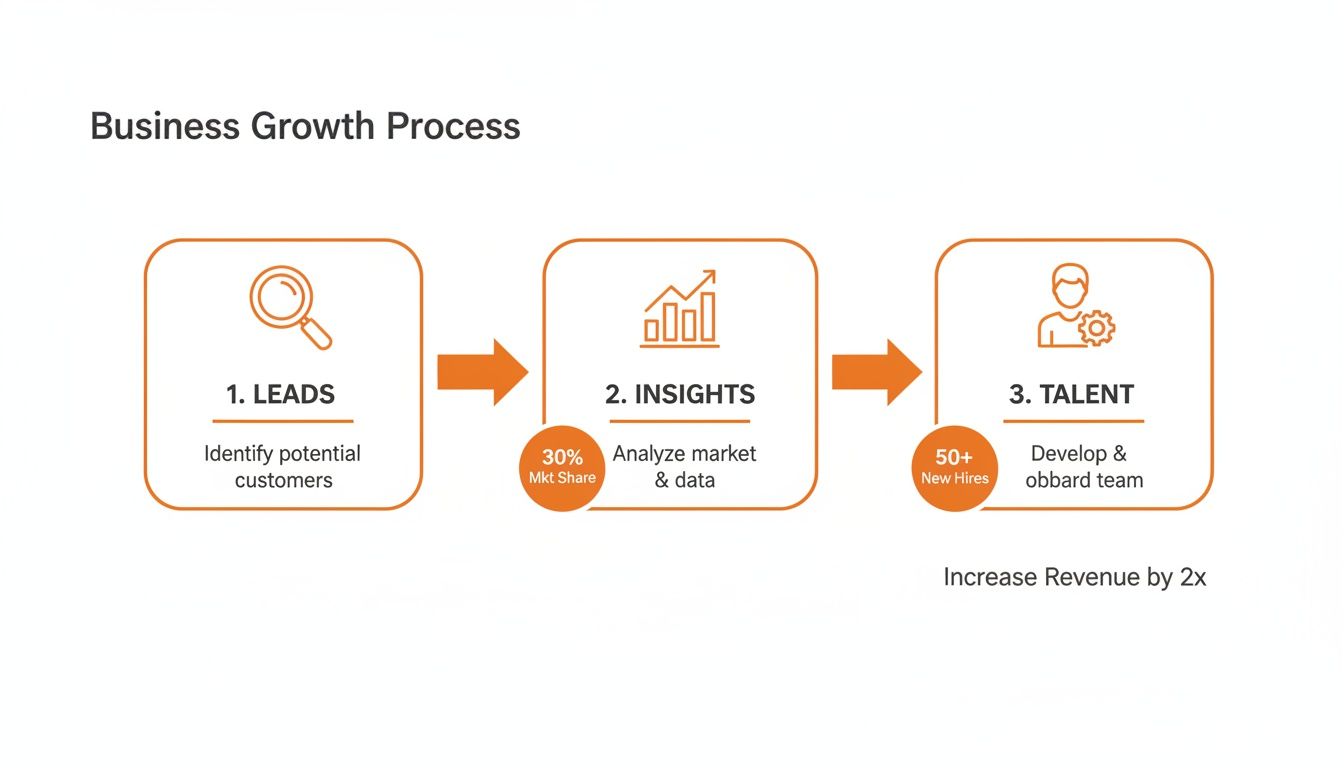
As you can see, grabbing this data is a direct line to fueling growth, building a better team, and boosting your bottom line.
Step 1: Set Up Your AI Scraper
First, let's get your tool installed. AI scrapers are typically available as a simple Chrome extension.
Go to the Chrome Web Store and search for your chosen scraper.
Click "Add to Chrome."
In a few seconds, a new icon will appear in your browser's toolbar.
That's it—you're ready to go. There's no complex setup. Once installed, you can start pulling data from almost any website, including LinkedIn.
Step 2: Run a Targeted LinkedIn Search
Before you start scraping, think about what data you need. A little prep work makes a world of difference.
For Sales Teams: Instead of searching for "Managers," get specific. A search for "Product Managers in Austin, Texas" will give you a laser-focused list.
For Recruiters: Hunting for a developer? A query like "Software Engineers with Python skills" will filter out the noise and deliver higher-quality candidates.
Go to LinkedIn and run your search just like you normally would. Once the first page of results is loaded, you’re ready for the next step.
Step 3: Launch the Scraper and Select Data
Now for the fun part. With your LinkedIn search results on the screen, click the AI scraper's icon in your toolbar. The tool will instantly analyze the page and identify all the data you can extract.
You’ll see a simple checklist of available data points, such as:
Full Name
Job Title
Company Name
Location
LinkedIn Profile URL
Just tick the boxes for the fields you want. To move even faster, many tools offer pre-built recipes. For example, you could use a LinkedIn Profiles Scraper template that already has the ideal settings configured.
The flexibility here is key. You're not stuck with a rigid, one-size-fits-all export. You decide exactly what data you need for each project.
Step 4: Handle Pagination and Export Your Data
What about search results that span dozens of pages? Manually clicking "Next" 50 times is out of the question. A good AI scraper handles this automatically.
The tool will detect that there are multiple pages and ask you how many you want to scrape. Tell it to grab 5, 10, or all of them. Then, sit back and let it work. It will navigate through each page in the background, collecting all the data you requested.
Once the process is complete—usually in just a minute or two—you’ll get a notification. With one click, you can download everything into a perfectly structured CSV file. This file is ready for Google Sheets, Excel, or your CRM, with all data organized into neat columns.
What Are Other Ways to Scrape LinkedIn?
While an AI browser scraper like Clura is the fastest and most reliable way for most teams to get clean data, it’s smart to know the other options. Let's break down the two other common approaches: manual copy-pasting and custom-coded scrapers.
The Manual Copy-Paste Method
We’ve all done it. You need a list of 20 people, so you open LinkedIn and start copying names, titles, and companies into a spreadsheet. For a tiny, one-off task, it works.
But what happens when you need 200 contacts? Or 2,000? The manual method quickly falls apart. It's not just slow; it's prone to errors, formatting issues, and wastes valuable time that could be spent on higher-value tasks.
The Bottom Line: For any serious data collection, manual scraping is not a scalable solution.
The Custom Code (Developer) Method
On the opposite end of the spectrum are developer-centric tools. This involves writing custom scripts in languages like Python using libraries such as Selenium or Playwright. These scripts control a web browser, telling it exactly what data to grab.
The biggest upside is total customization. However, this power comes with significant downsides:
Requires a Developer: This isn't something your sales or marketing team can use. It requires specialized technical skills to build and maintain.
It’s Brittle: LinkedIn constantly updates its website. A small change can break your custom scraper, requiring a developer to fix it.
Higher Risk: Custom scripts that run too fast are a red flag for LinkedIn's detection systems. Managing proxies and browser fingerprints becomes a complex job.
This path only makes sense for large companies with dedicated data engineering teams. For most businesses, the cost and complexity are not worth it.
Finding the Sweet Spot: AI Scrapers
This is where AI-powered browser scrapers shine. They deliver the power of automation without the complexity of custom code. You get the speed and scale of a custom bot with a user-friendly interface that anyone can master in minutes.
These solutions handle the technical heavy lifting—like navigating site changes and avoiding blocks—so you can focus on using the data, not just getting it. If you're looking for more ways to make LinkedIn work for you, exploring different LinkedIn automation tools can unlock even more strategies.
When your data is ready, our guide on how to export LinkedIn contacts shows you how easy the final step can be.
How to Scrape LinkedIn Safely and Ethically
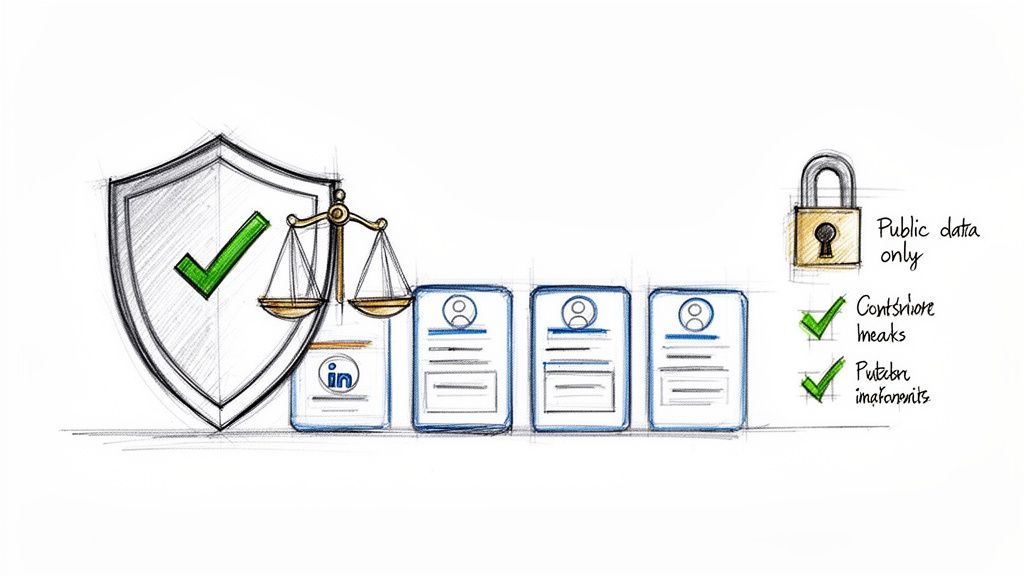
Let's address the elephant in the room. Does "scraping LinkedIn" operate in a legal gray area? Not when done correctly.
The golden rule is simple: only collect publicly available data. Stick to the information that people and companies have chosen to share openly on their profiles. Never attempt to access private data. This is the foundation for keeping your activities compliant and your accounts in good standing.
Understand LinkedIn's Terms of Service
LinkedIn's User Agreement prohibits using automated bots that overwhelm the site with requests. Old-school scraping scripts often trigger alarms by sending thousands of requests per minute.
This is why modern AI-powered scrapers, like Clura, are a game-changer. They are designed to act like a real person using a browser:
They navigate pages at a natural, human-like speed.
They don't fire off an impossible number of requests.
They interact with the site just as you would.
This smarter approach drastically reduces the risk of getting flagged or suspended. If you want to dive deeper into the legal side of things, our guide on whether scraping websites is illegal is a great resource.
What the hiQ vs. LinkedIn Case Means for You
The landmark hiQ vs. LinkedIn court case is crucial to understand. In 2022, a federal court ruled that LinkedIn could pursue its breach-of-contract claims against hiQ for violating its anti-scraping terms.
This case was a wake-up call, pushing businesses away from aggressive, bot-like scraping. The new standard is using tools that simulate a real browser session, respect platform limits, and focus squarely on public data. You can read more about the court's decision for the full story.
The key takeaway: How you scrape is just as important as what you scrape. Smart, respectful, browser-based automation is the sustainable path forward.
Your Ethical Scraping Checklist
Follow this simple checklist to ensure your data gathering is always responsible:
Respect Rate Limits: Don't be greedy. Scraping thousands of profiles in an hour is a surefire way to get noticed. A good tool manages the pacing for you automatically.
Avoid Sensitive Information: If it's not explicitly public, leave it alone. The goal is professional intelligence, not personal data.
Be Transparent with Your Intent: Use the data for legitimate business goals—like market research or building prospect lists—not for spamming.
Prioritize Quality Over Quantity: A clean, relevant list from a focused search is far more valuable than a massive, messy data dump.
Ethical scraping isn’t just a legal hurdle; it’s a smart business strategy that ensures you can build reliable data workflows without putting your accounts or reputation on the line.
Common Questions About LinkedIn Scraping
Still have a few questions? You're not alone. Let's clear up the most common questions about scraping LinkedIn, from legality to keeping your account safe.
Is It Legal to Scrape LinkedIn?
Yes, scraping publicly available data is generally considered legal, a key point reinforced by the hiQ Labs vs. LinkedIn court case. Stick to information users have chosen to share openly.
However, LinkedIn's User Agreement forbids any automated data collection. Violating their terms can lead to account restrictions or bans, even if you haven't broken any laws. This is why using a smart, browser-based tool that mimics human behavior is so important.
What Kind of Data Can I Scrape?
You can access a wealth of publicly visible information from LinkedIn profiles and company pages, including:
From Profiles: Full name, job title, company, location, work history, education, and skills.
From Company Pages: Company name, industry, employee count, headquarters location, and follower count.
From Job Postings: Job title, hiring company, location, employment type, and the full job description.
The goal is to collect data for legitimate business purposes—like lead generation or talent sourcing—without touching private information.
Can LinkedIn Detect and Ban Me for Scraping?
Yes. LinkedIn uses sophisticated systems to detect and block bots. They look for signs of automation, like viewing an unusually high number of profiles in a short time.
This is why how you scrape matters. A browser-based AI scraper works at a human-like speed, making it dramatically safer than old-school scripts that are easily detected.
Responsible data handling is critical. In late 2023, a dataset of 19.8 million LinkedIn-related records appeared on a hacking forum, highlighting the risks of data misuse. You can learn more about how this data breach unfolded to understand why ethical practices are non-negotiable.
How Can I Scrape LinkedIn Without Getting Banned?
Playing it safe comes down to a few key principles. Act like a polite guest on their platform.
First, always use a trusted tool designed to mimic human browsing behavior. Slowing your scraping speed is the single best way to avoid detection.
Next, stick to public data only. Finally, use the data you gather ethically for clear business reasons. Follow these guidelines, and you can build a valuable and sustainable data pipeline.
Ready to unlock LinkedIn's data without the headache? With Clura, you can start building powerful lead lists and enriching your data in minutes, no code required. Explore prebuilt templates and see how easy it is to get started.
