Jobs
Upwork projects scraper
4.8
Chrome Store Rating
800
+
Users
Scrape freelance project and job posting data from Upwork search results, with results saved to your Clura account and exportable as CSV or JSON.
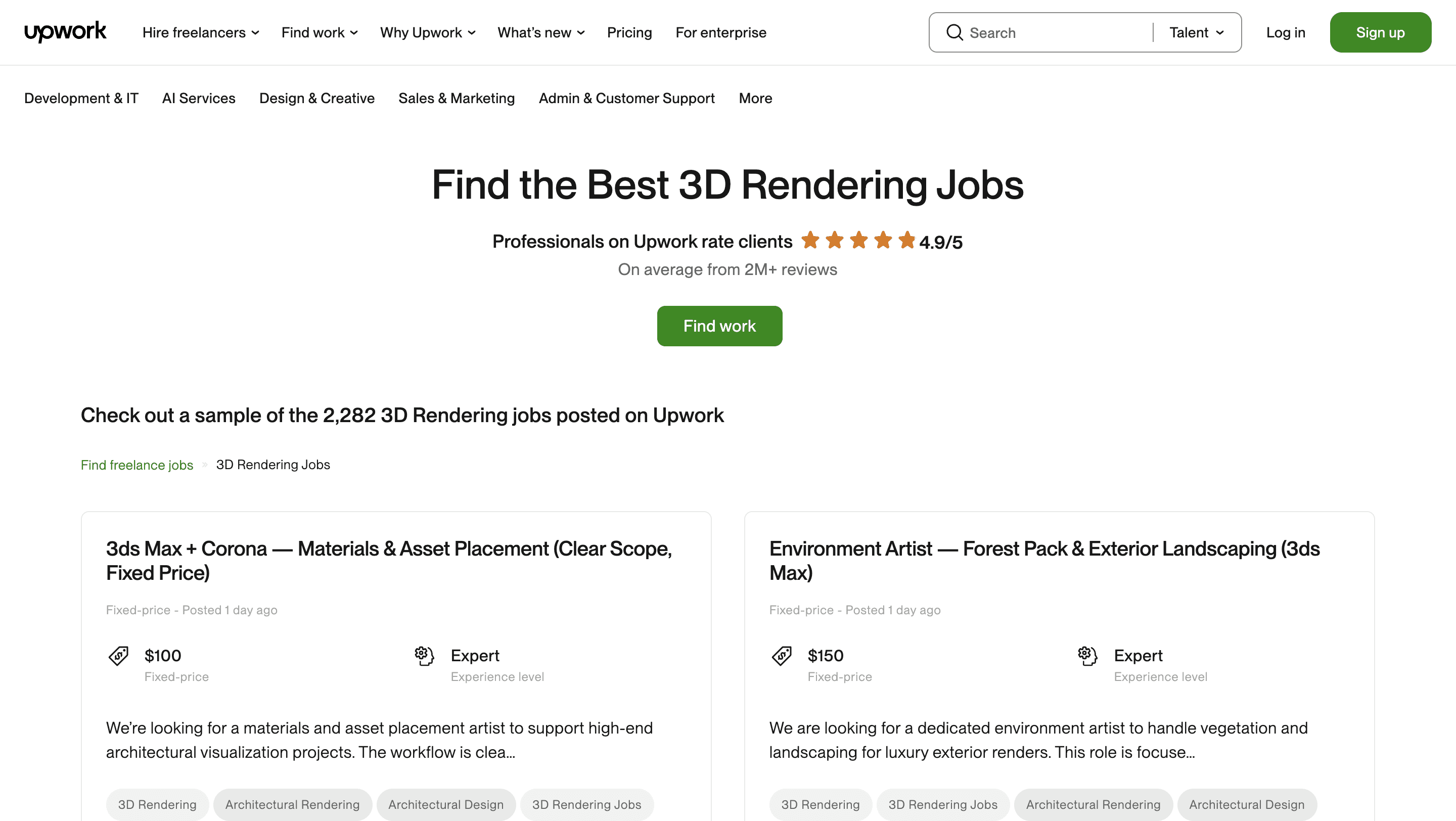
Clura’s Chrome extension includes an Upwork Projects Scraper template that extracts structured project and job posting data from the currently open Upwork job search and category pages. This template is designed for freelancers, agencies, founders, and researchers who browse opportunities on Upwork and want to convert visible project listings into clean, structured datasets.
After you finish searching for projects using keywords, categories, budgets, experience levels, or client filters, the scraper reads the project cards displayed on the page. You can review and customize which fields are extracted, confirm pagination for navigating through result pages, and add additional fields if required. Once run, the scraper collects project data across pages, saves everything to your Clura account, and allows export as CSV or JSON for opportunity analysis, lead tracking, or market research.
Relevant For
Freelancers & Consultants
Identify high-quality projects by analyzing budgets, skills required, and client history before applying.
Agencies & Studios
Track relevant projects at scale and prioritize opportunities aligned with team expertise and pricing.
Founders & Indie Builders
Research market demand for specific skills or services based on live client project requirements.
Researchers & Analysts
Build structured datasets of freelance demand to analyze trends, pricing, and skill demand.
How to Use
1
Search projects on Upwork
Go to Upwork and complete your project search by applying skills, budget, job type, and experience filters.
2
Open the Clura extension
Click the Clura Chrome extension icon. Available scraper templates will be displayed.
3
Configure the scraper
Select the Upwork Projects Scraper template.
Review and confirm:
Fields to be extracted (select or unselect as needed)
Pagination settings for navigating project result pages
Any additional custom fields you want to extract
4
Run, save, and export
Run the scraper. Extracted project data is saved to your Clura account.
Once complete, export the results as CSV or JSON for further analysis.
Fields Scraped
Job Title
Text
URL
URL
Budget
Number
Post Date
Date
Description
Text
Pricing
Plans start at
$15
/month
for 1,000 rows
Pay only for successful extractions
Discounts available with higher plans and annual subscription
Save to cloud and export as CSV
Email support
You may also like
Jobs
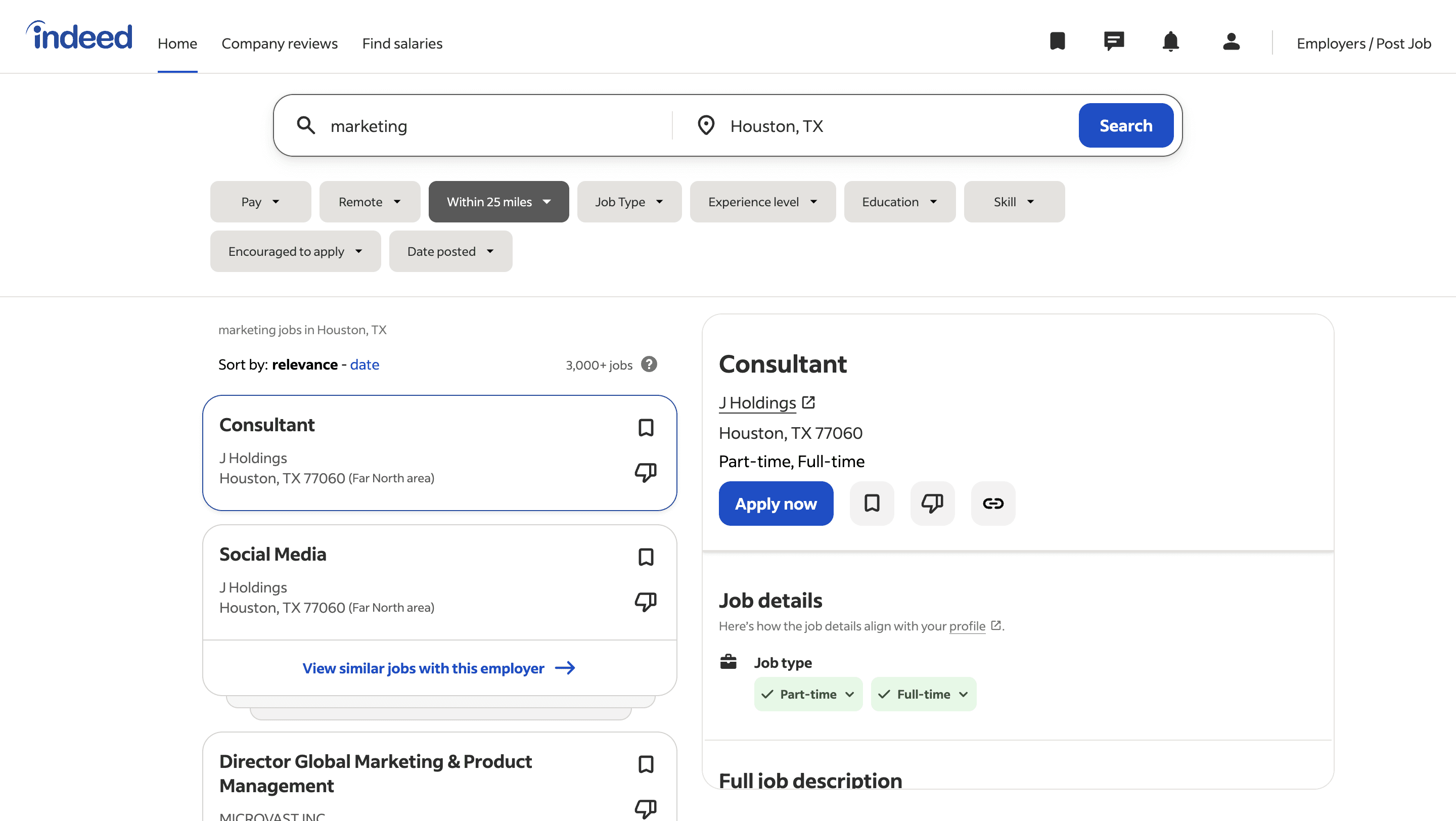
Indeed job listings scraper
Scrape job listings and hiring data from Indeed job search result pages, with results saved to your Clura account and exportable as CSV or JSON.
400
+
Users
Jobs
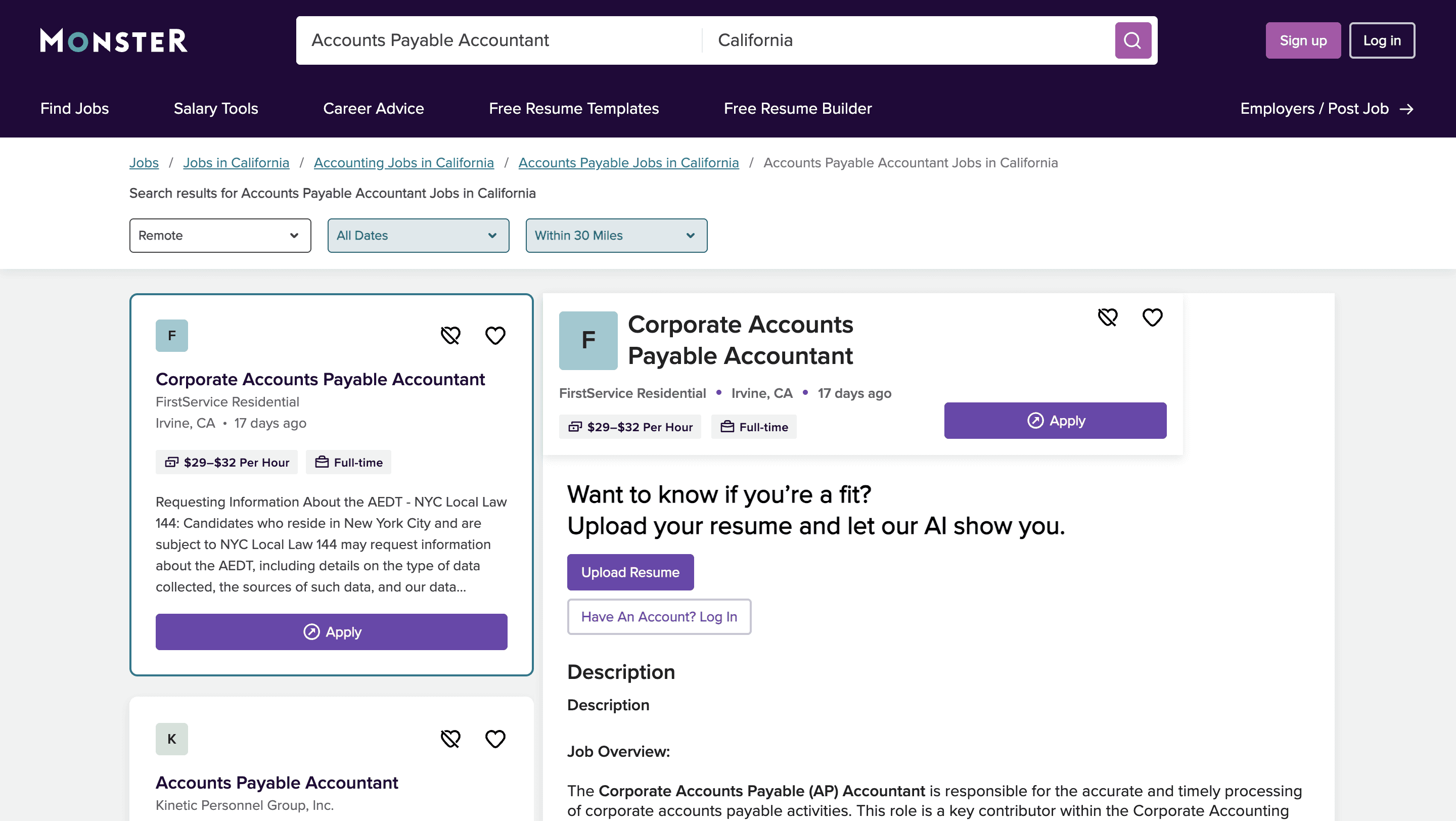
Monster jobs scraper
Scrape job listings and hiring data from Monster job search result pages, with results saved to your Clura account and exportable as CSV or JSON.
800
+
Users
Jobs
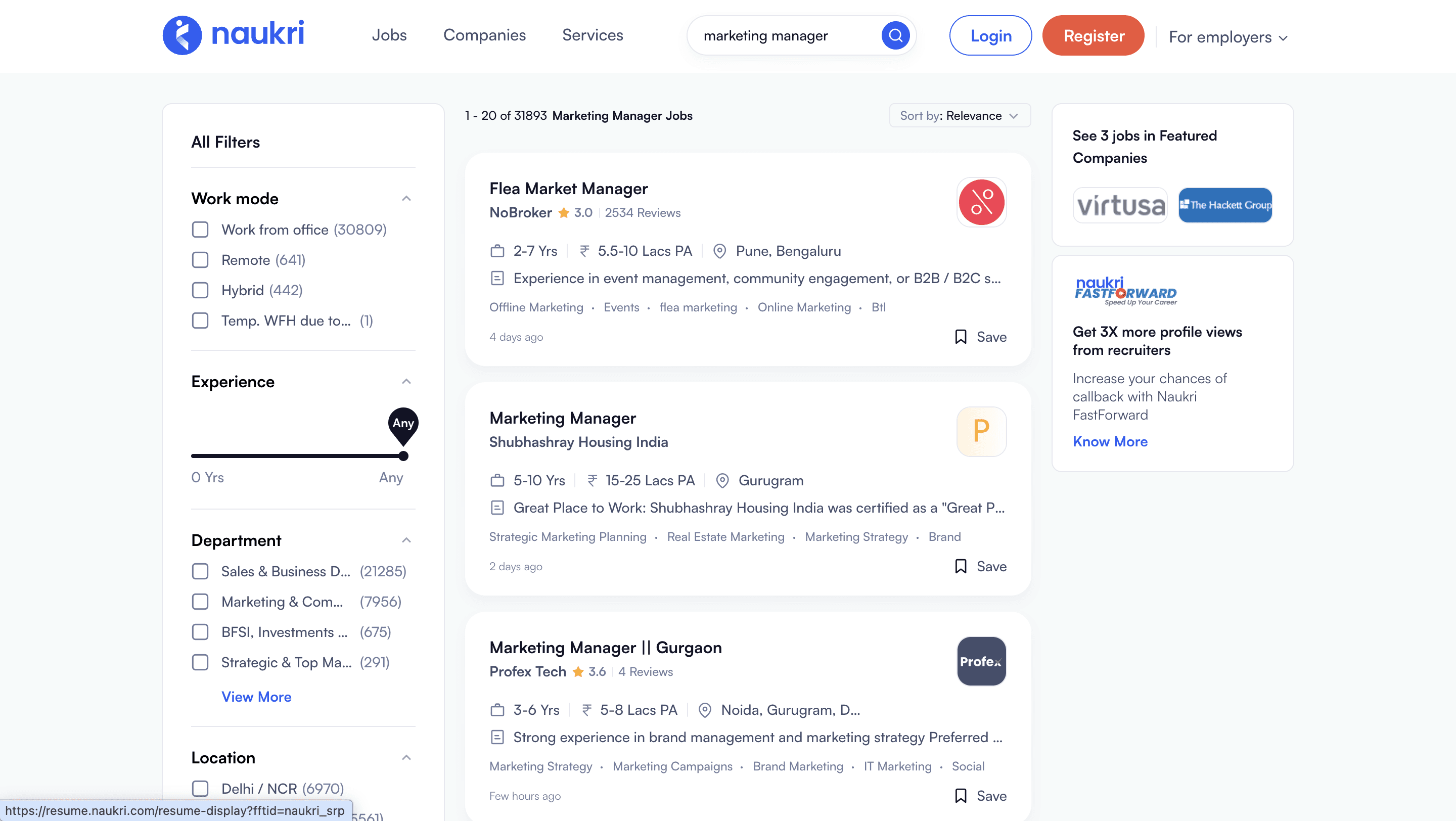
Naukri jobs scraper
Scrape job listings and hiring data from Naukri job search result pages, with results saved to your Clura account and exportable as CSV or JSON.
400
+
Users
