ECommerce
Flipkart product listings scraper
4.8
Chrome Store Rating
1000
+
Users
Scrape product listing data from Flipkart search and category result pages, with results saved to your Clura account and exportable as CSV or JSON.
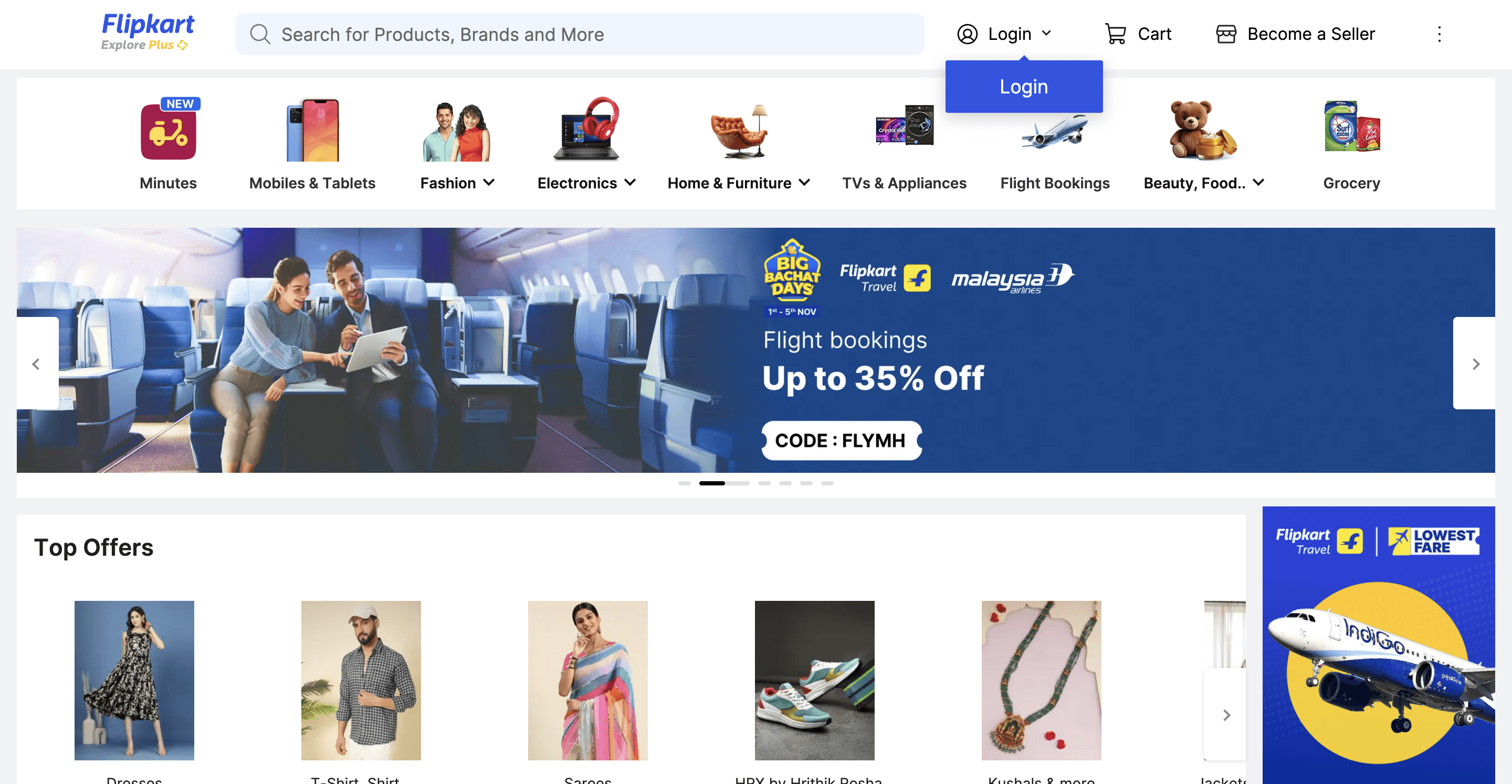
Clura’s Chrome extension includes a Flipkart Product Listings Scraper template that extracts structured product and listing data from the currently open Flipkart search and category pages. This template is designed for sellers, brand owners, analysts, and e-commerce teams who research products and pricing trends on Flipkart and want to convert visible listings into clean, structured datasets.
After you complete a keyword search or browse a product category (for example, mobiles, electronics, fashion, or appliances), the scraper reads the product cards displayed on the page. You can review and customize which fields are extracted, confirm how the scraper should navigate results (pagination or infinite scroll, depending on the page), and add additional fields if required. Once run, the scraper collects listing data across result pages, saves everything to your Clura account, and allows export as CSV or JSON for pricing analysis, competitor benchmarking, or market research.
Relevant For
Marketplace Sellers & Brand Owners
Analyze competitor pricing, discounts, and product positioning before launching or updating listings.
E-commerce & Category Managers
Track pricing bands, offers, and top-rated products within specific Flipkart categories.
Growth & Marketing Teams
Study product titles, ratings, and promotional strategies to refine listing optimization and advertising campaigns.
Researchers & Analysts
Build structured datasets of Flipkart listings for trend tracking, pricing studies, or competitive intelligence.
How to Use
1
Search or browse on Flipkart
Go to Flipkart and complete your search or category browsing until the listings match what you want to extract.
2
Open the Clura extension
Click the Clura Chrome extension icon. Available scraper templates will be displayed.
3
Configure the scraper
Select the Flipkart Product Listings Scraper template.
Review and confirm:
Fields to be extracted (select or unselect as needed)
Navigation type (pagination or infinite scroll)
Any additional custom fields you want to extract
4
Run, save, and export
Run the scraper. Extracted product data is saved to your Clura account.
Once complete, export the results as CSV or JSON for further analysis.
Fields Scraped
Product Title
Text
Product URL
URL
Price
Number
Rating
Number
Review Count
Number
Availability
Text
Pricing
Plans start at
$15
/month
for 1,000 rows
Pay only for successful extractions
Discounts available with higher plans and annual subscription
Save to cloud and export as CSV
Email support
You may also like
ECommerce
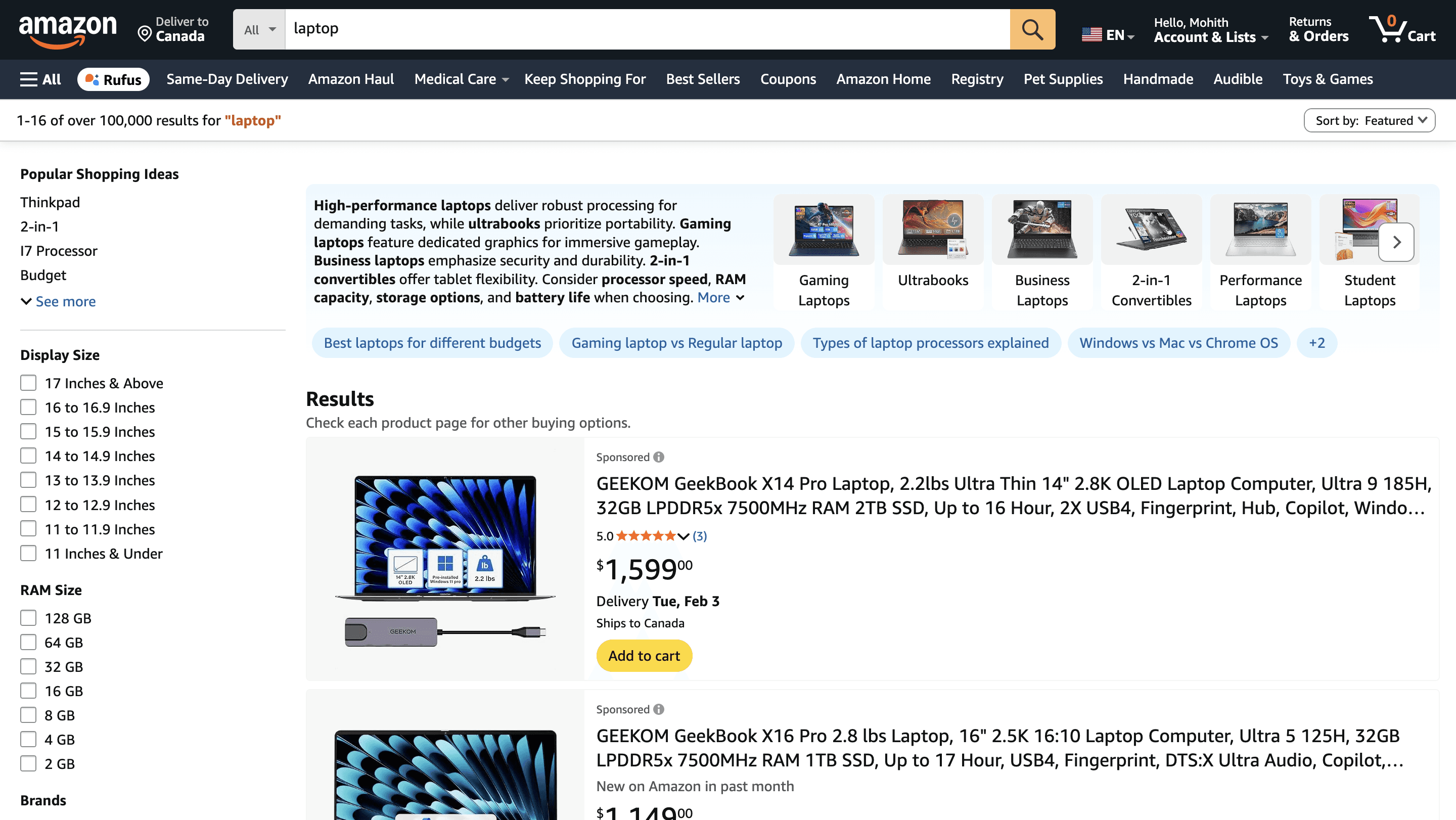
Amazon product listings scraper
Scrape product listing data from Amazon search and category result pages, with results saved to your Clura account and exportable as CSV or JSON.
900
+
Users
ECommerce
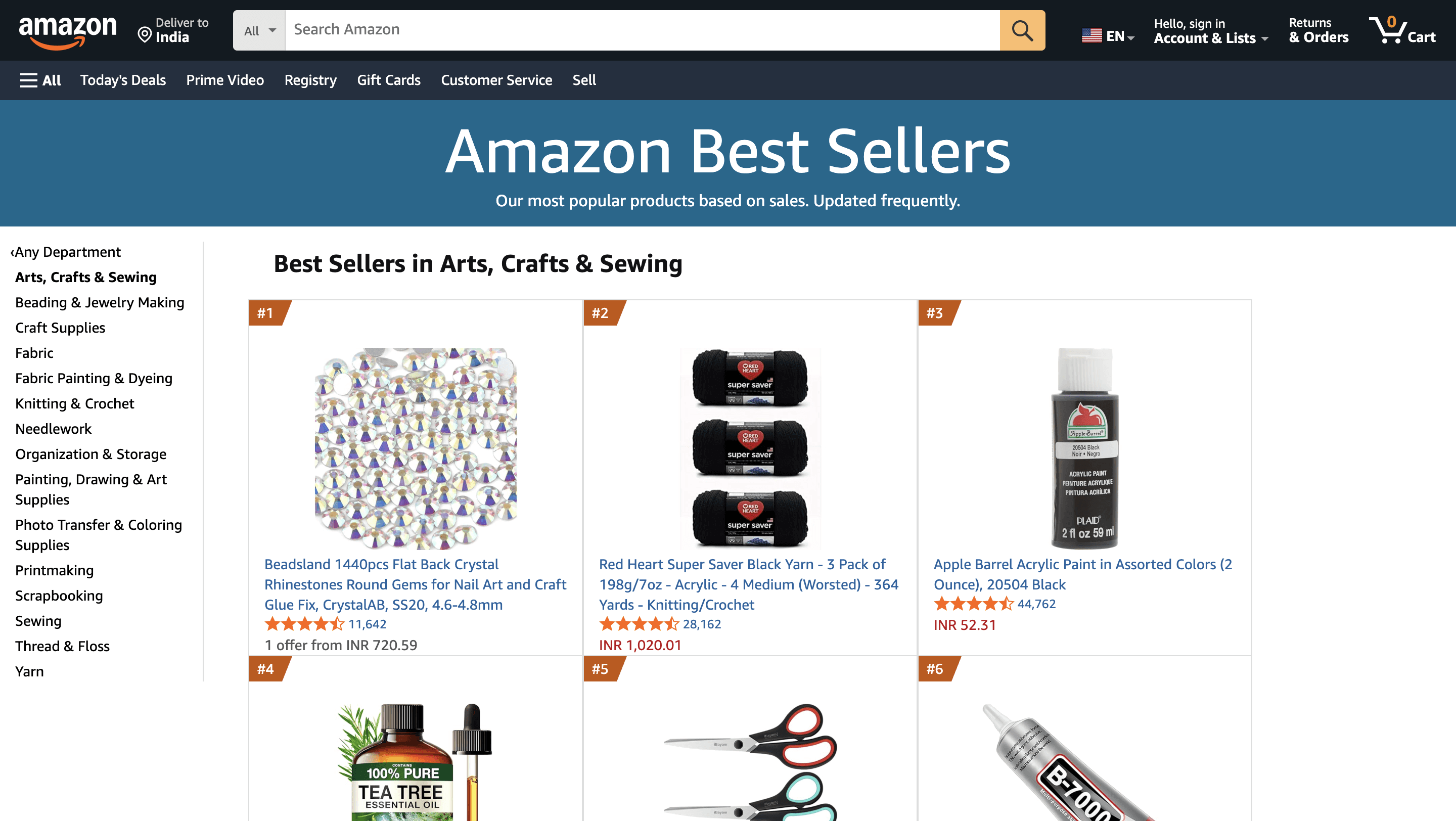
Amazon best sellers scraper
Scrape top-ranked products from Amazon Best Sellers pages, with results saved to your Clura account and exportable as CSV or JSON.
900
+
Users
ECommerce
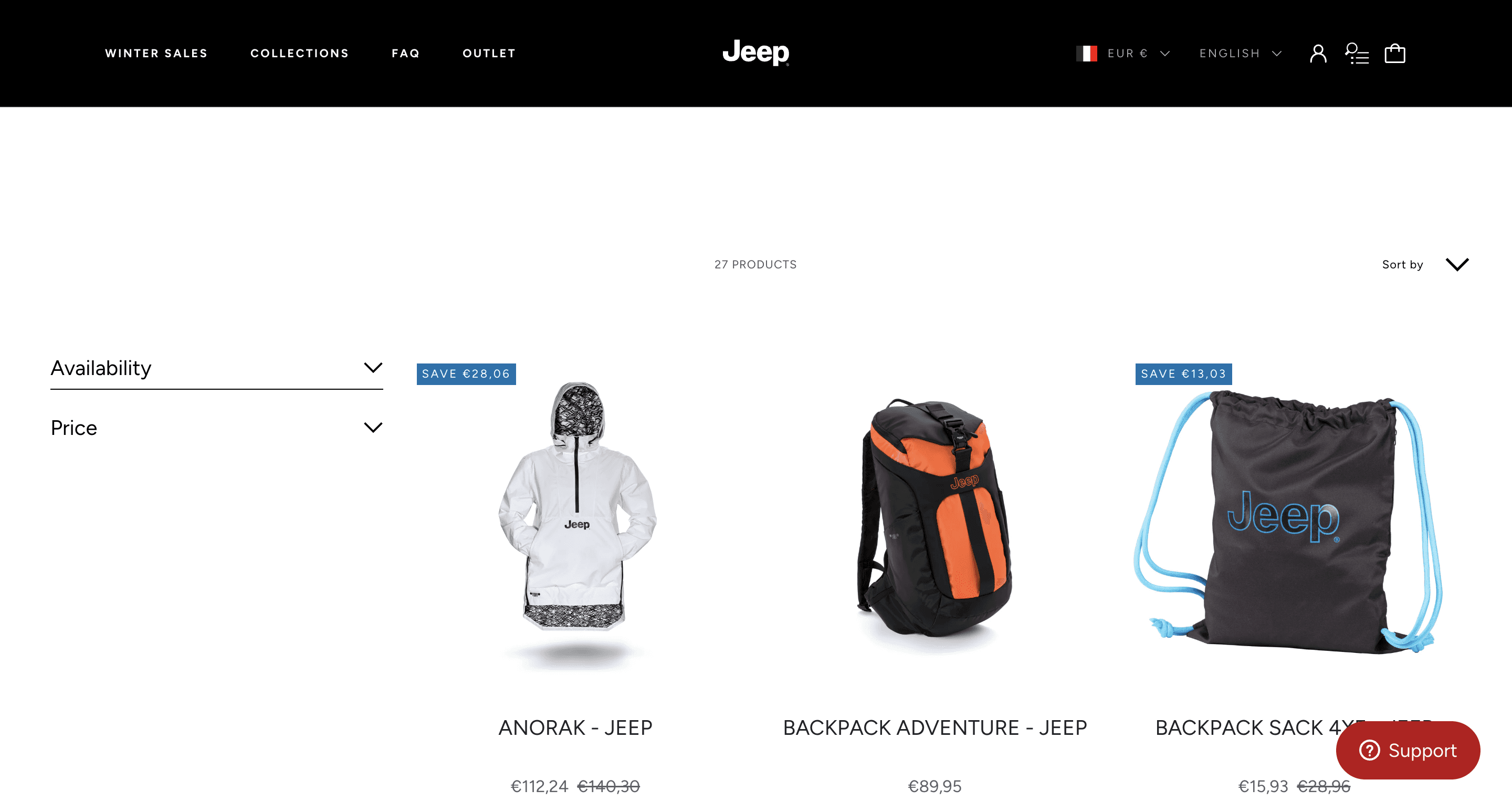
Shopify product catalogs scraper
Scrape complete product catalog data from Shopify collection and storefront pages, with results saved to your Clura account and exportable as CSV or JSON.
900
+
Users
