Misc
Builtwith tech stack scraper
4.8
Chrome Store Rating
200
+
Users
Scrape website technology stack and infrastructure data from BuiltWith website profile pages, with results saved to your Clura account and exportable as CSV or JSON.
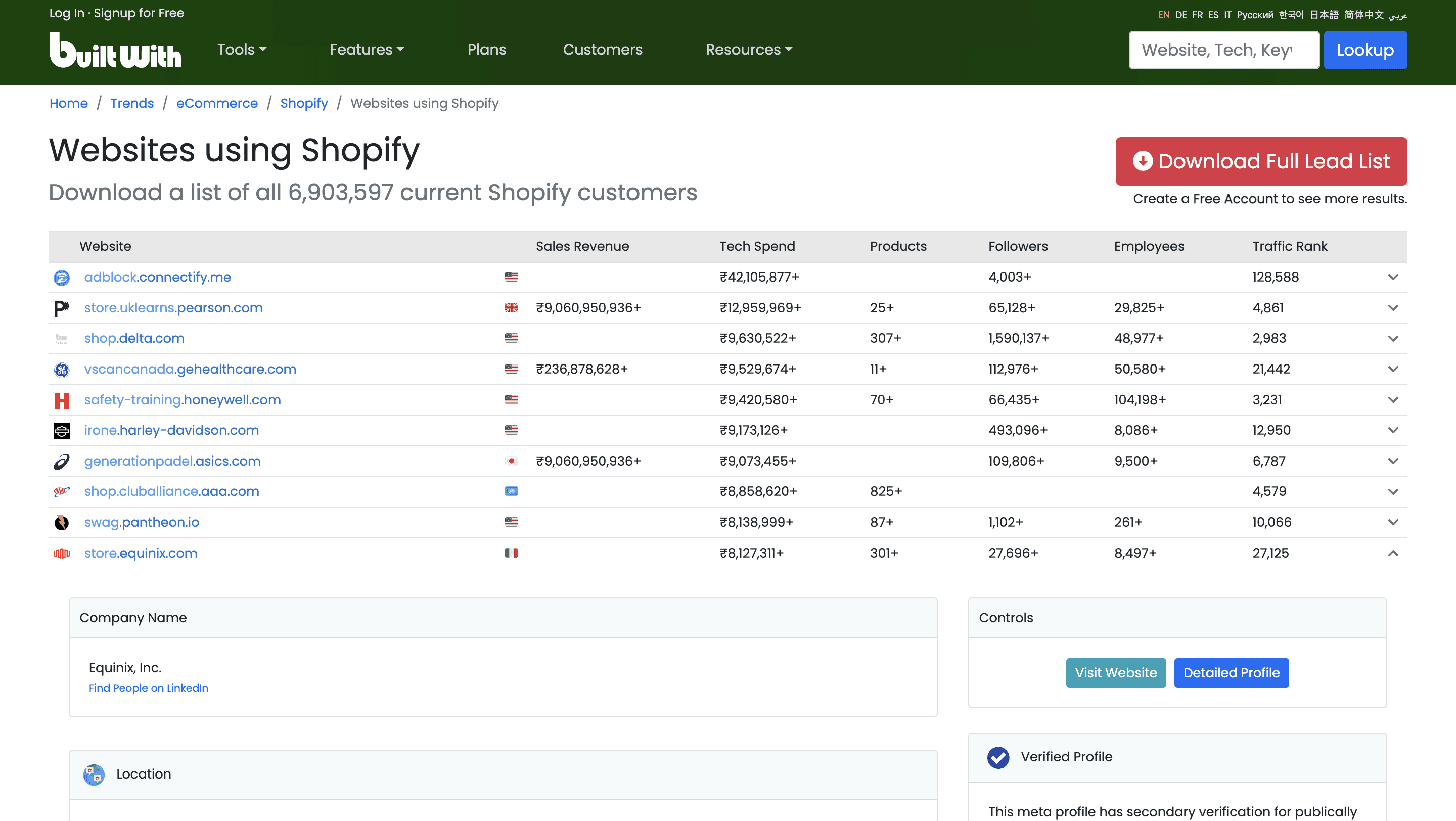
Clura’s Chrome extension includes a BuiltWith Tech Stack Scraper template that extracts structured technology and infrastructure data from the currently open BuiltWith website profile pages. This template is designed for sales teams, SaaS founders, marketers, and analysts who research website technology usage on BuiltWith and want to convert visible tech stack information into clean, structured datasets.
After you search for a domain on BuiltWith and open its technology profile page, the scraper reads the technology categories and tools displayed (for example, analytics, CMS, ecommerce platforms, hosting, advertising, etc.). You can review and customize which fields are extracted, add additional custom fields if needed, and run the scraper to collect structured tech stack data. Once extraction is complete, all data is saved to your Clura account and can be exported as CSV or JSON for prospecting, enrichment, or market analysis.
Relevant For
Sales & Business Development Teams
Identify companies using specific technologies (e.g., Shopify, HubSpot, Salesforce) for targeted outbound campaigns.
SaaS Founders & Growth Teams
Analyze competitors’ tech stacks to uncover integration opportunities or market gaps.
Marketing & RevOps Teams
Enrich lead data with website technology insights for segmentation and personalization.
Researchers & Analysts
Build structured datasets of technology adoption patterns across industries or regions.
How to Use
1
Open a website profile on BuiltWith
Go to BuiltWith and search for a domain. Open the website’s technology profile page.
2
Open the Clura extension
Click the Clura Chrome extension icon. Available scraper templates will be displayed.
3
Configure the scraper
Select the BuiltWith Tech Stack Scraper template.
Review and confirm:
Fields to be extracted (select or unselect as needed)
Any additional custom fields you want to extract
4
Run, save, and export
Run the scraper. Extracted tech stack data is saved to your Clura account.
Once complete, export the results as CSV or JSON for further analysis or integration.
Fields Scraped
Website Name
Text
URL
URL
Technology Category
Text
Traffic Rank
Number
Country
Text
Pricing
Plans start at
$15
/month
for 1,000 rows
Pay only for successful extractions
Discounts available with higher plans and annual subscription
Save to cloud and export as CSV
Email support
You may also like
Misc
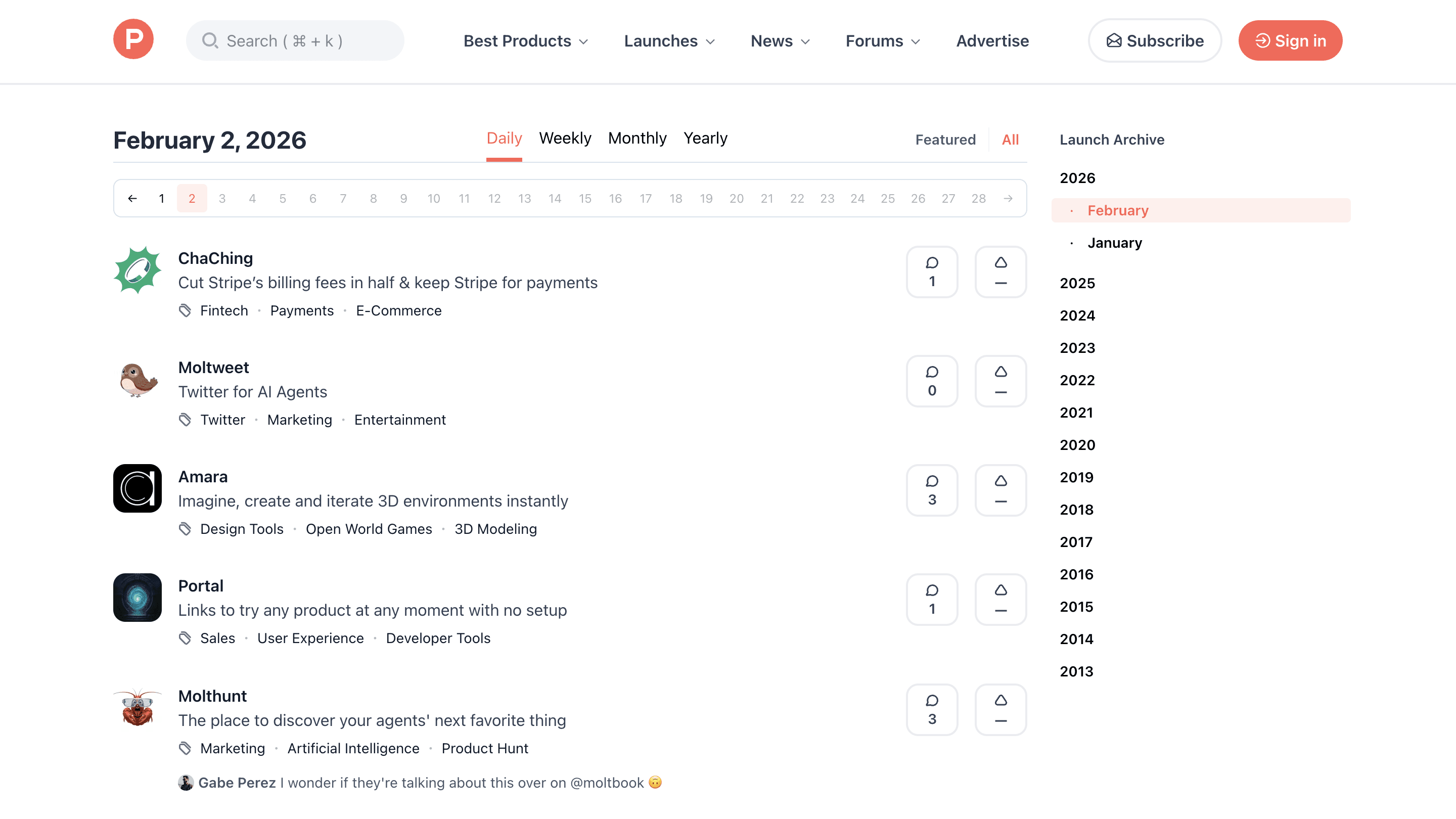
Producthunt launches scraper
Scrape product launch data from Product Hunt launch and leaderboard pages, with results saved to your Clura account and exportable as CSV or JSON.
200
+
Users
Misc
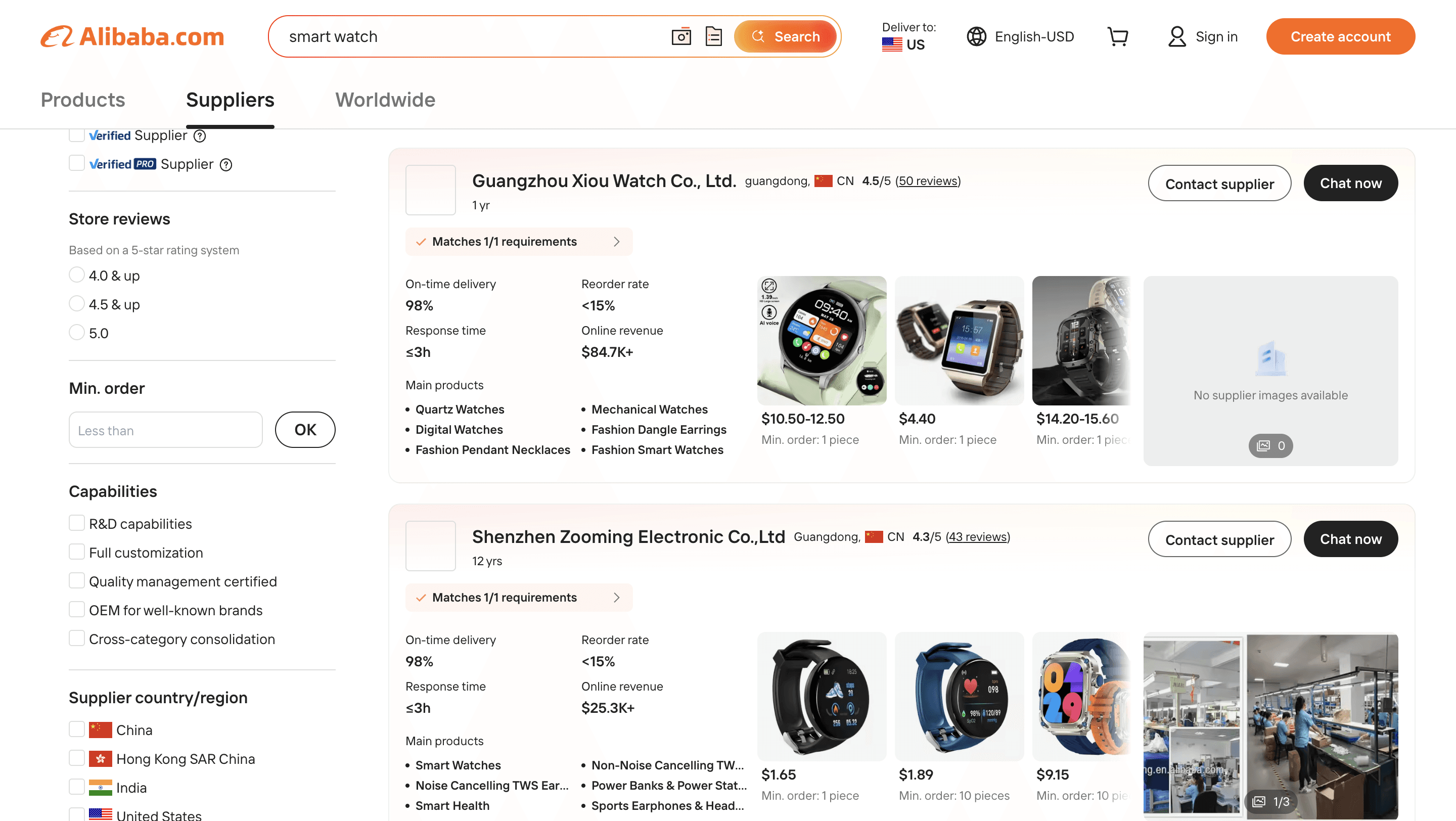
Alibaba supplier listings scraper
Scrape supplier and company listing data from Alibaba search and supplier result pages, with results saved to your Clura account and exportable as CSV or JSON.
200
+
Users
Misc
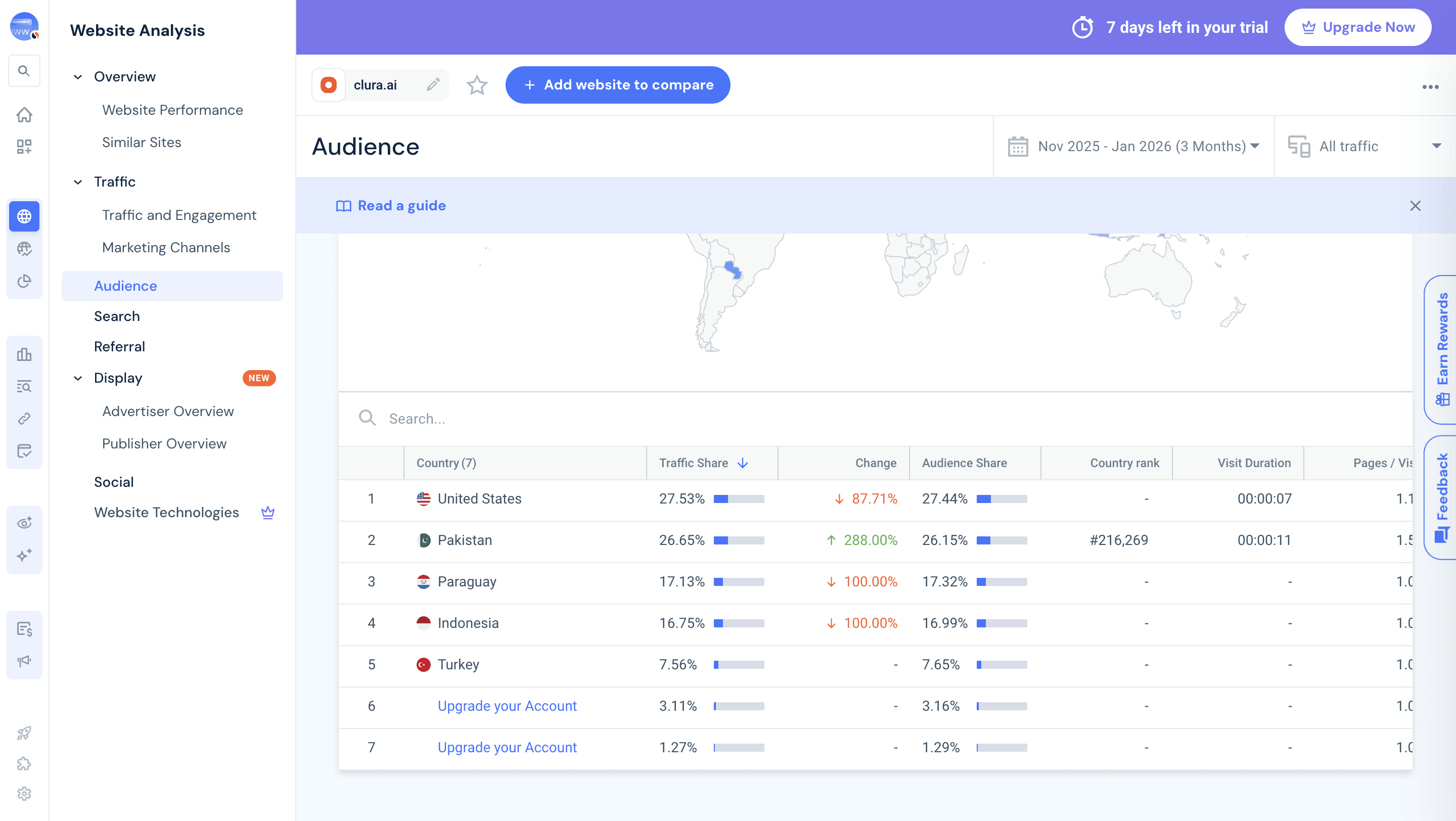
Similarweb site metrics scraper
Scrape website traffic, engagement, and source metrics from Similarweb website overview pages, with results saved to your Clura account and exportable as CSV or JSON.
200
+
Users
